There are two ways of fix fixing RAM overheating for this miniPCmini PC.
First The first is to switch from 5600 to 4800 MT/s DDR5 RAM modules
Second The second is to Switch the CPU in non-turbo mode
| Memory | chip | MT/s | CL | Turbo | t | Speed | Latency |
|---|---|---|---|---|---|---|---|
| Micron Crucial 2x48GB CL46 | Micron | 5600 | CL46-45-45-90 | enabled | 100°C | 21.0GB/s | 36.10 |
| Kingston Fury 2x32GB CL46 | SKHunix | 4800 | CL38-38-38-70 | enabled | 71°C | 16.6GB/s | 49.59 |
| Micron Crucial 2x48GB CL46 | Micron | 5600 | CL46-45-45-90 | disabled | 90°C | 17.0GB/s | 42.75 |
| Kingston Fury 2x32GB CL46 | SKHunix | 4800 | CL38-38-38-70 | disabled | 68°C | 14.3GB/s | 57.12 |
2331 12578
Crucial 2x48GB DDR5 5600 modules and CPU in turbo mode
...
Disable CPU Turbo
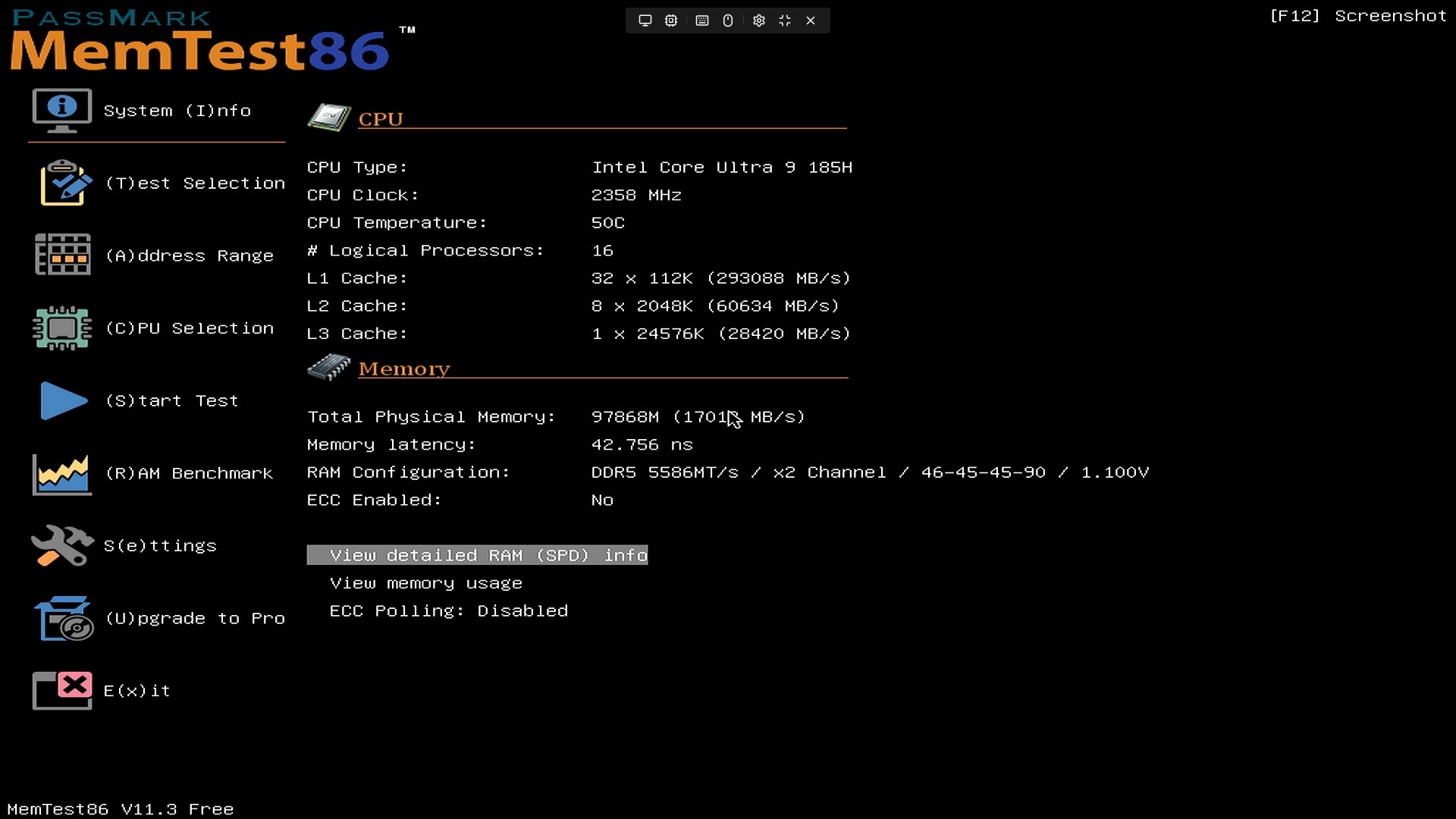
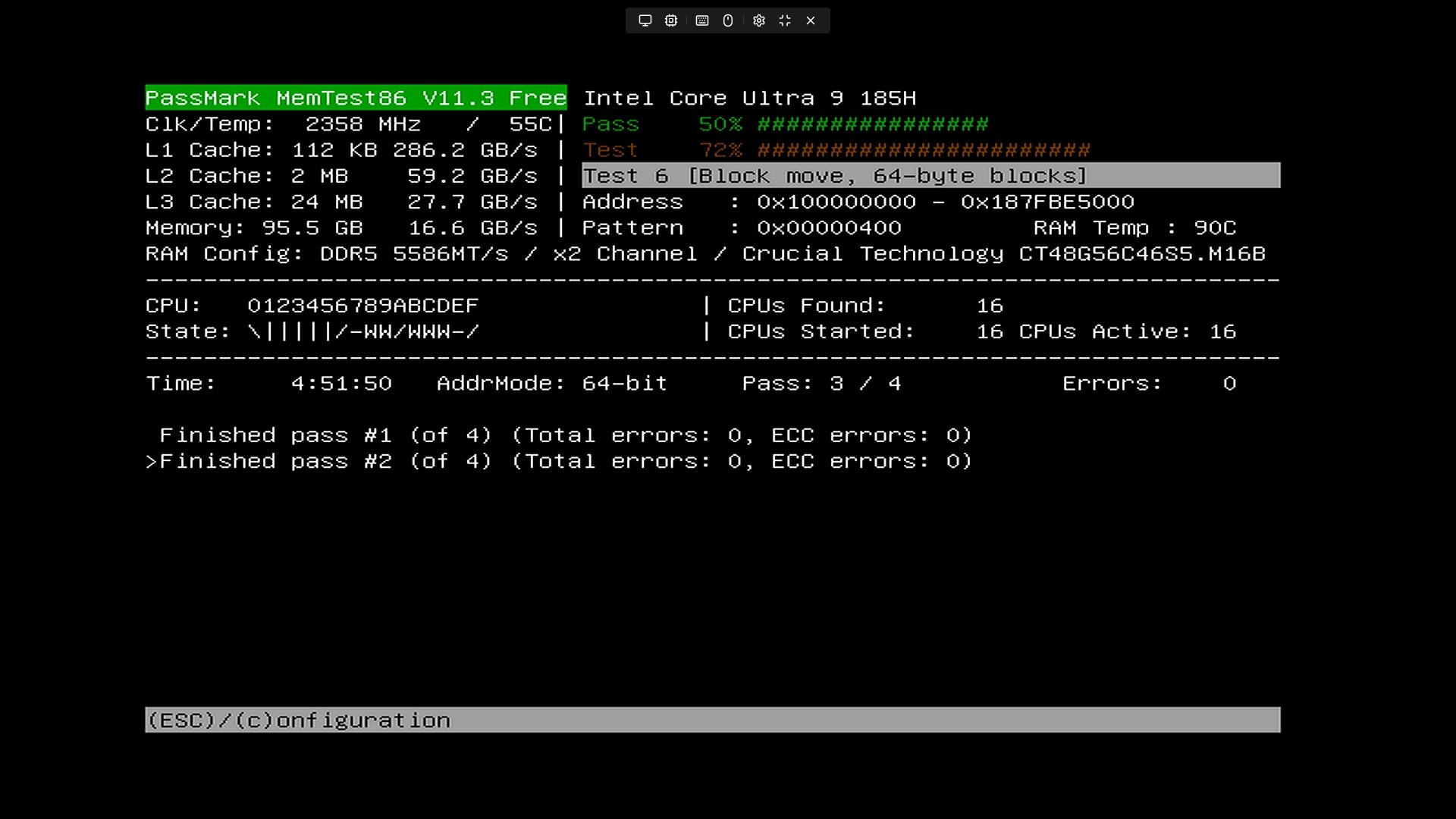
switch modules to 4800 and enable Turbo
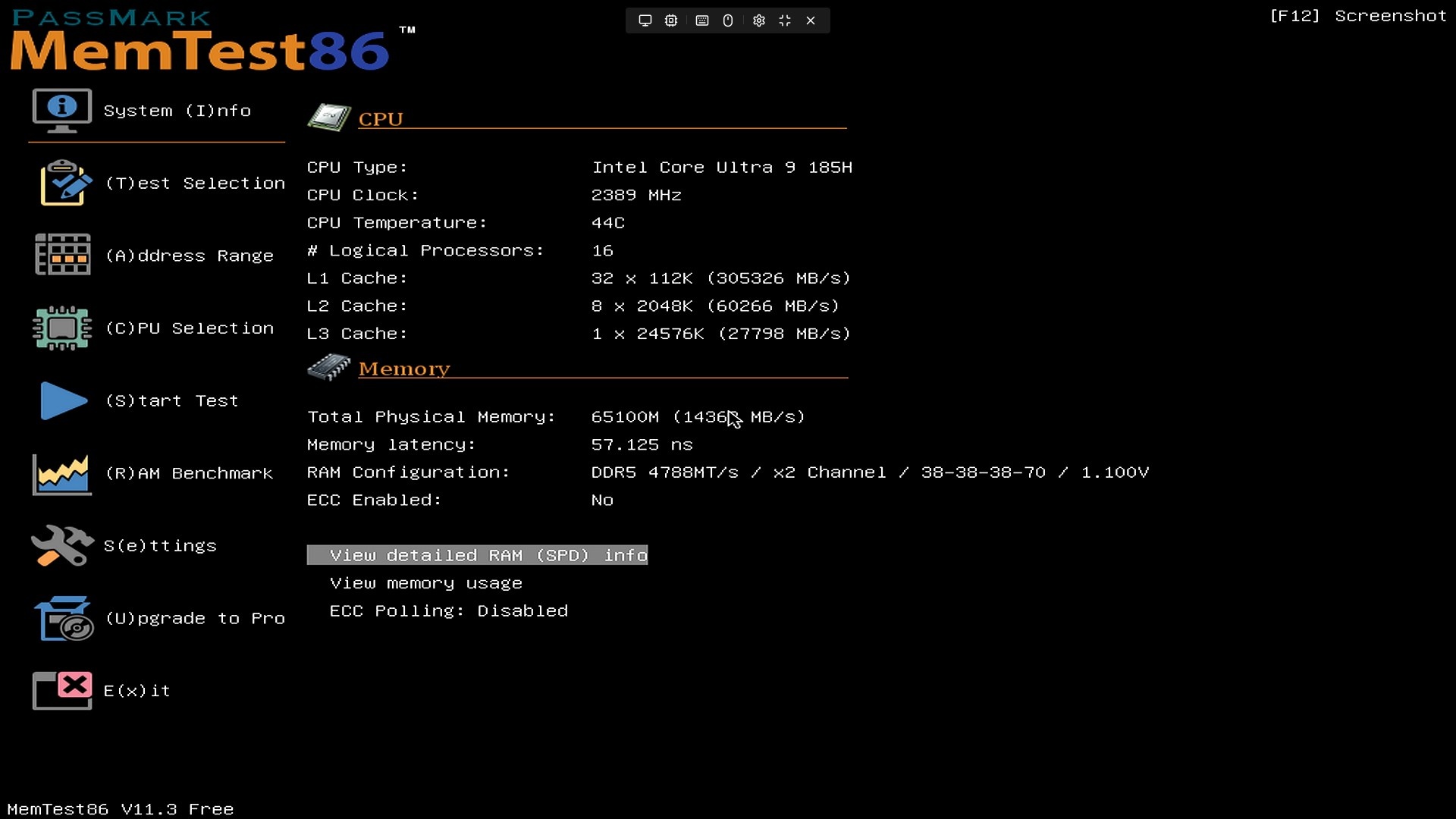
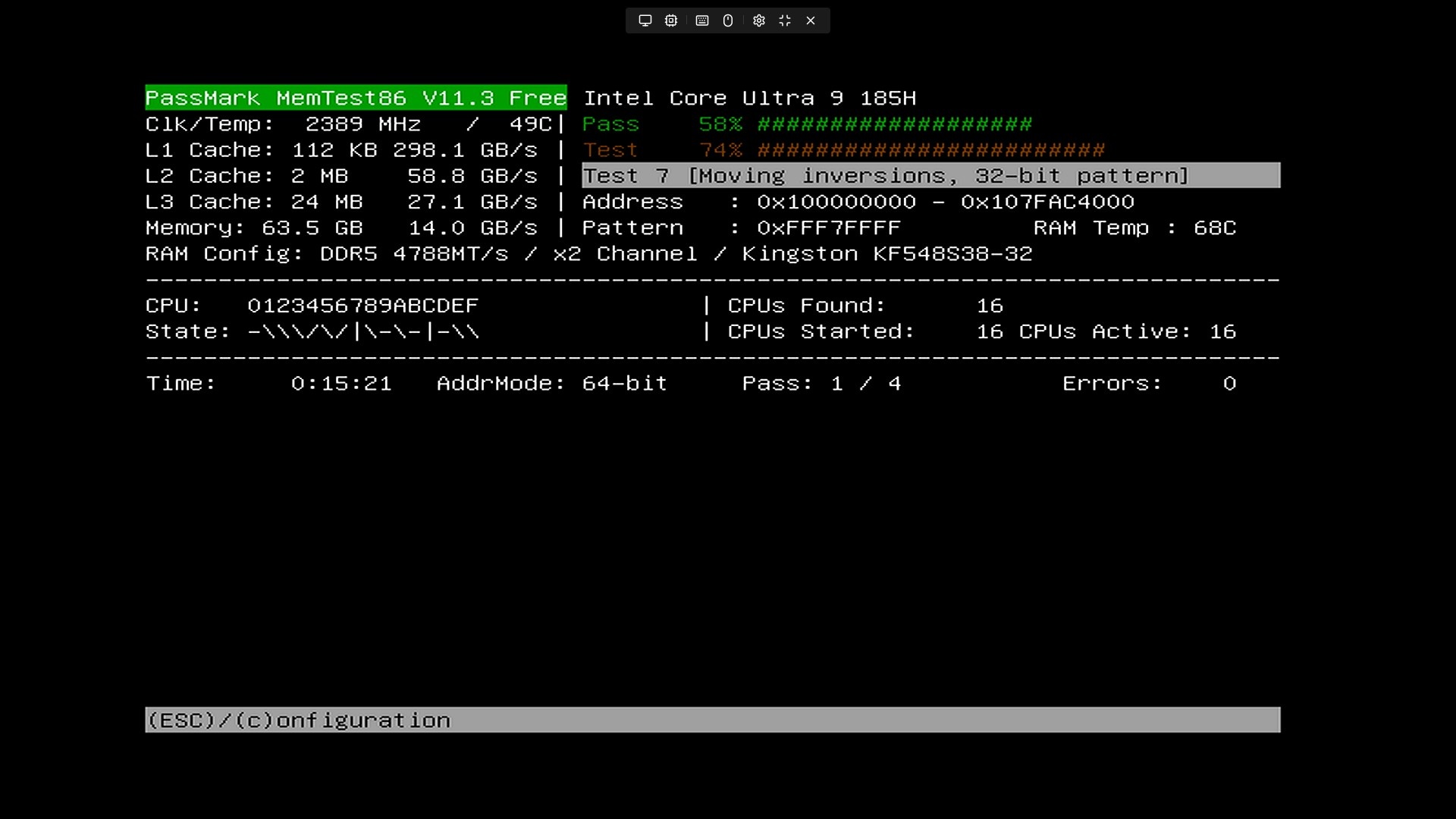
switch modules to 4800 and enable Turbo
...