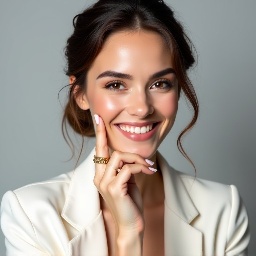
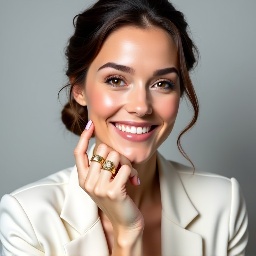
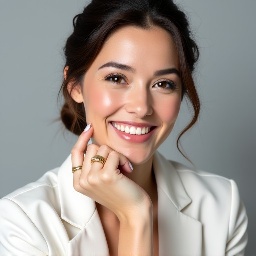
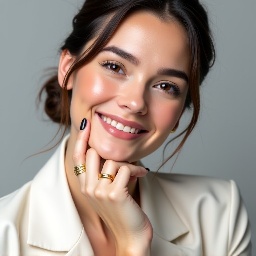
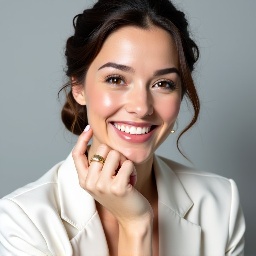
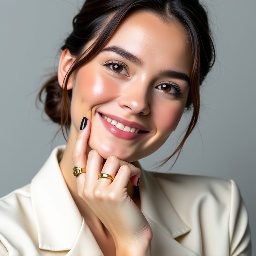
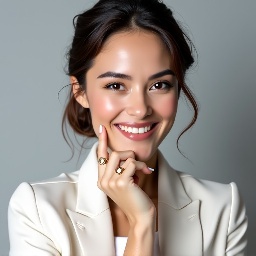
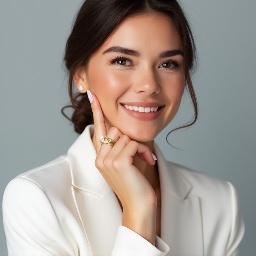
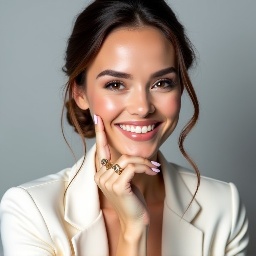
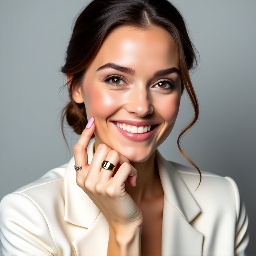
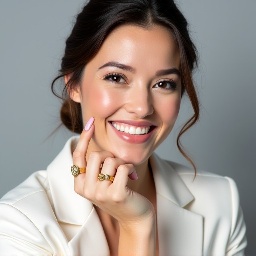
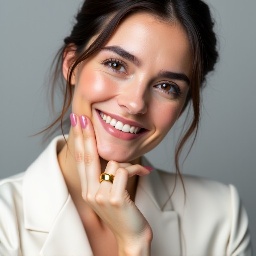
Different sample methods in order to fix Flux.1 dev blurry images
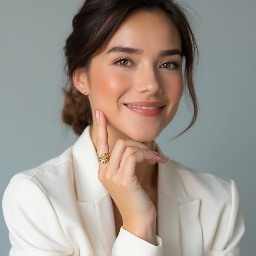
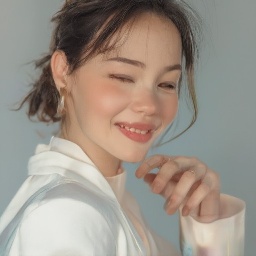
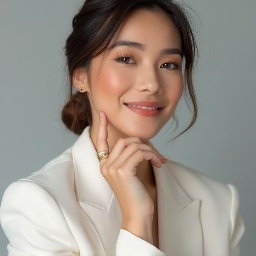
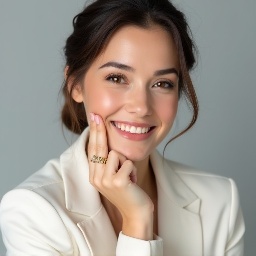
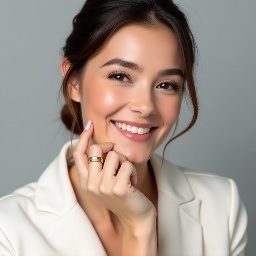
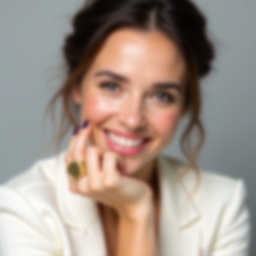
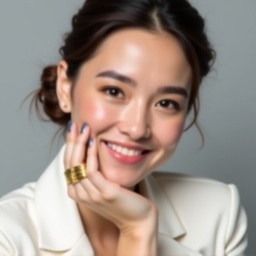
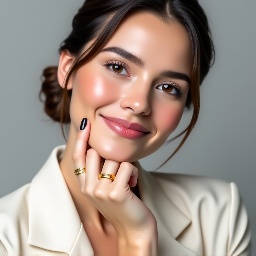
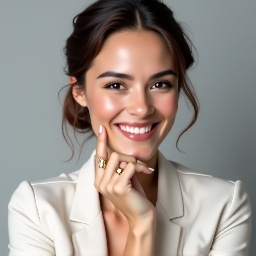
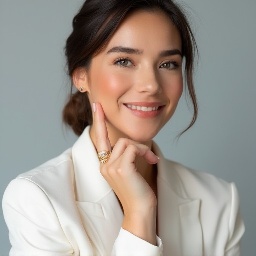
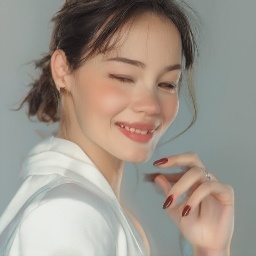
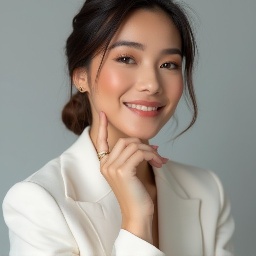
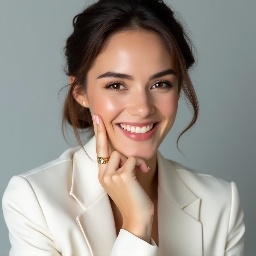
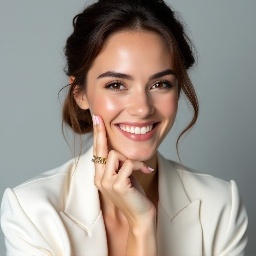
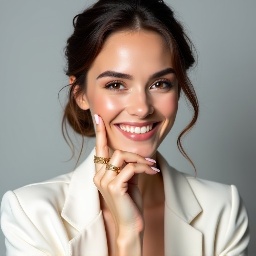
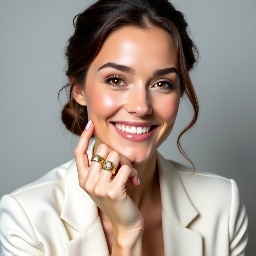
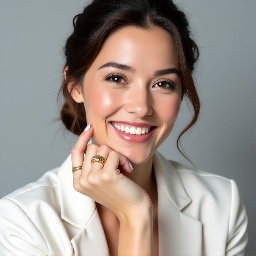
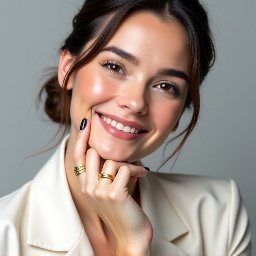
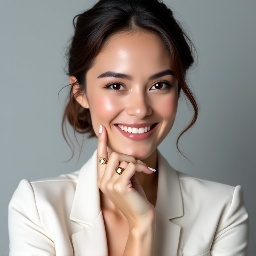
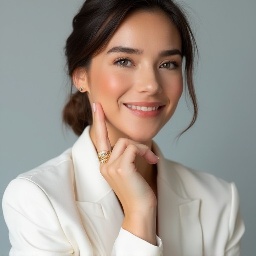
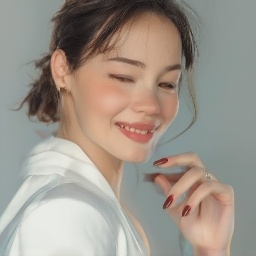
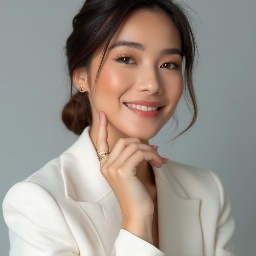
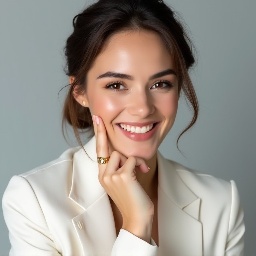
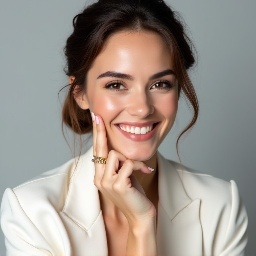
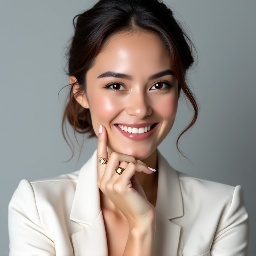
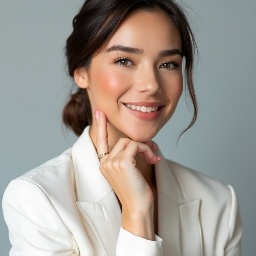
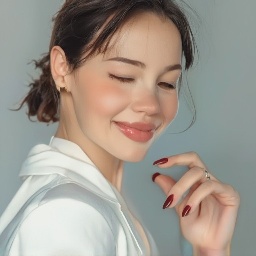
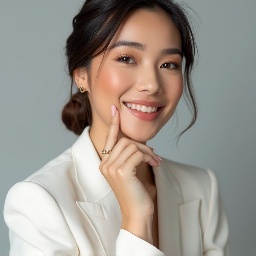
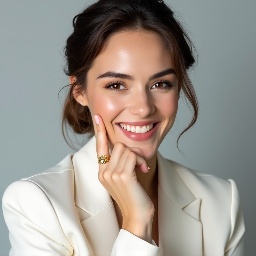
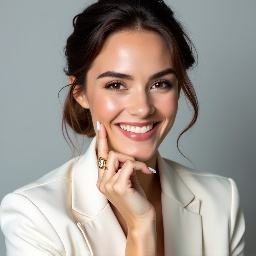
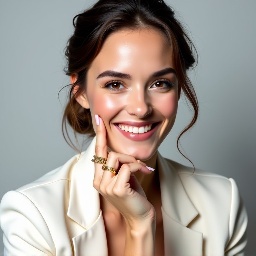
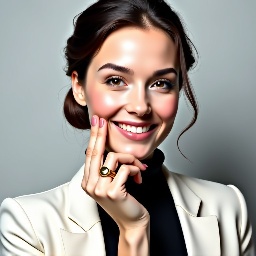
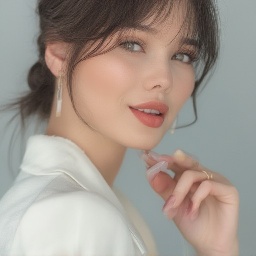
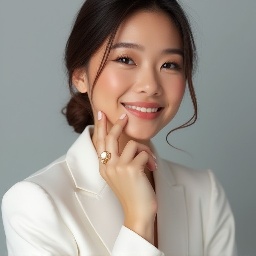
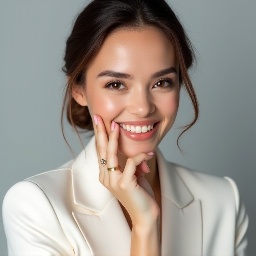
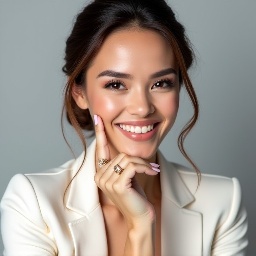
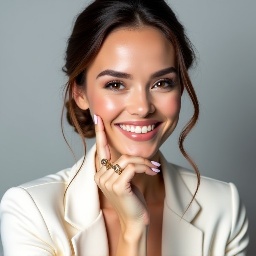
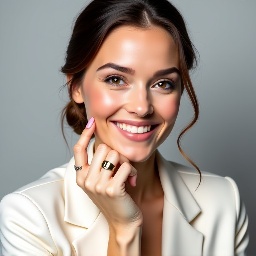
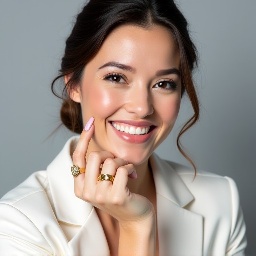
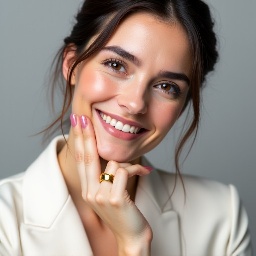
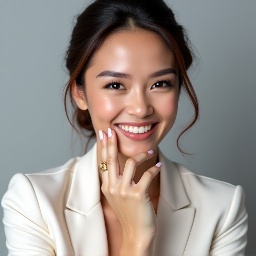
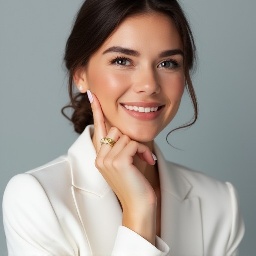
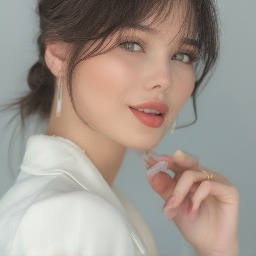
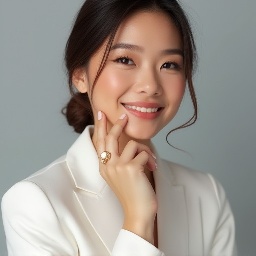
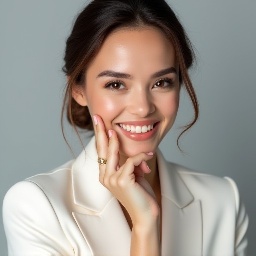
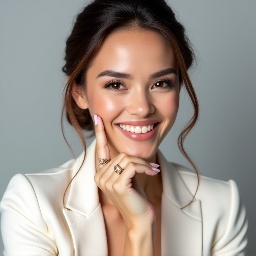
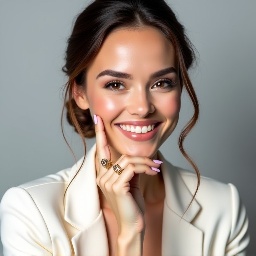
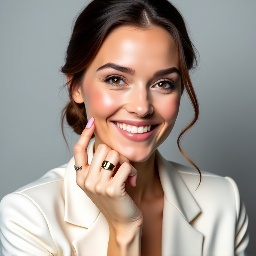
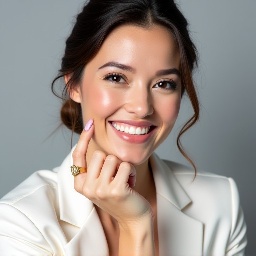
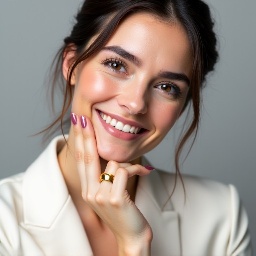
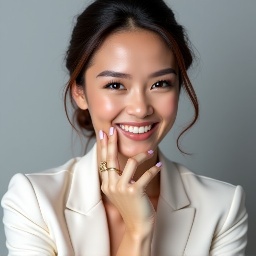
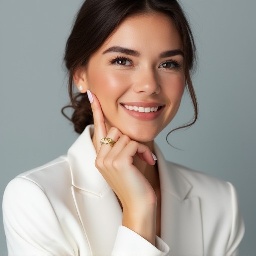
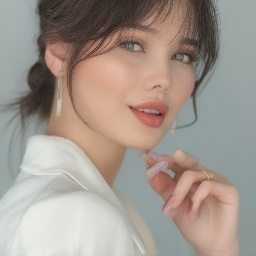
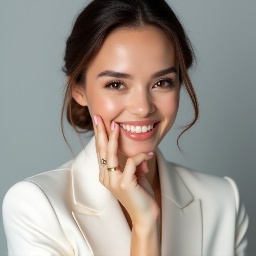
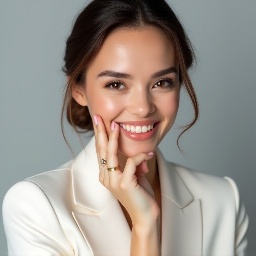
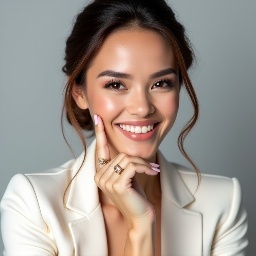
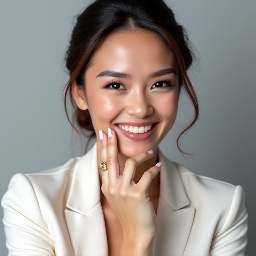
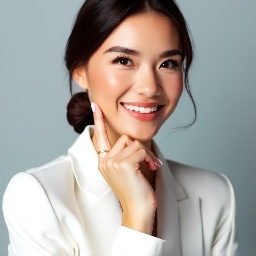
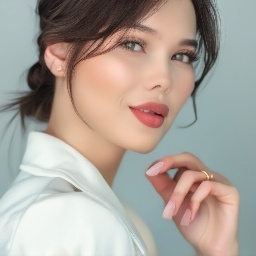
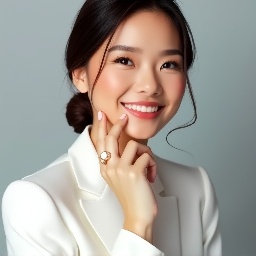
The issue is Steps 20, CFG 6 is almost always create blurry output image in Flux.1 Dev model, that can be fixed by more steps or less CFG, but also by different Sampling Method
Prompt: Create a close-up photograph of a woman's face and hand, with her hand raised to her chin. She is wearing a white blazer and has a gold ring on her finger. Her nails are neatly manicured and her hair is pulled back into a low bun. She is smiling and has a radiant expression on her face. The background is a plain light gray color. The overall mood of the photo is elegant and sophisticated. The photo should have a soft, natural light and a slight warmth to it. The woman's hair is dark brown and pulled back into a low bun, with a few loose strands framing her face.
| CFG=0 | CFG=1 | CFG=2 | CFG=3 | CFG=4 | CFG=5 | CFG=6 | CFG=7 | CFG=8 | CFG=9 | |
|---|---|---|---|---|---|---|---|---|---|---|
| Default |
|
|
|
|
|
|
|
|
|
|
| Euler FlowMatch |
|
|
|
|
|
|
|
|
|
|
| DPM2 FlowMatch |
|
|
|
|
|
|
|
|
|
|
| DPM2++ 2M FlowMatch |
|
|
|
|
|
|
|
|
|
|
| DPM2++ 2S FlowMatch |
|
|
|
|
|
|
|
|
|
|
| DPM2a FlowMatch |
|
|
|
|
|
|
|
|
|
|
DPM2++ SDE FlowMatch |
|
|
|
|
|
|
|
|
|
|
DPM2++ 2M SDE FlowMatch |
|
|
|