how to get jdupes on Synology
test done on Synology DS-220+ 7.2.2 geminilake 2x18TB RAID1
14:00 -
root@storage:~# grep -e product_version -e platform_name /etc/synoinfo.conf platform_name="geminilake" last_show_upgrade_mask_in_login_product_version="7.2.2" |
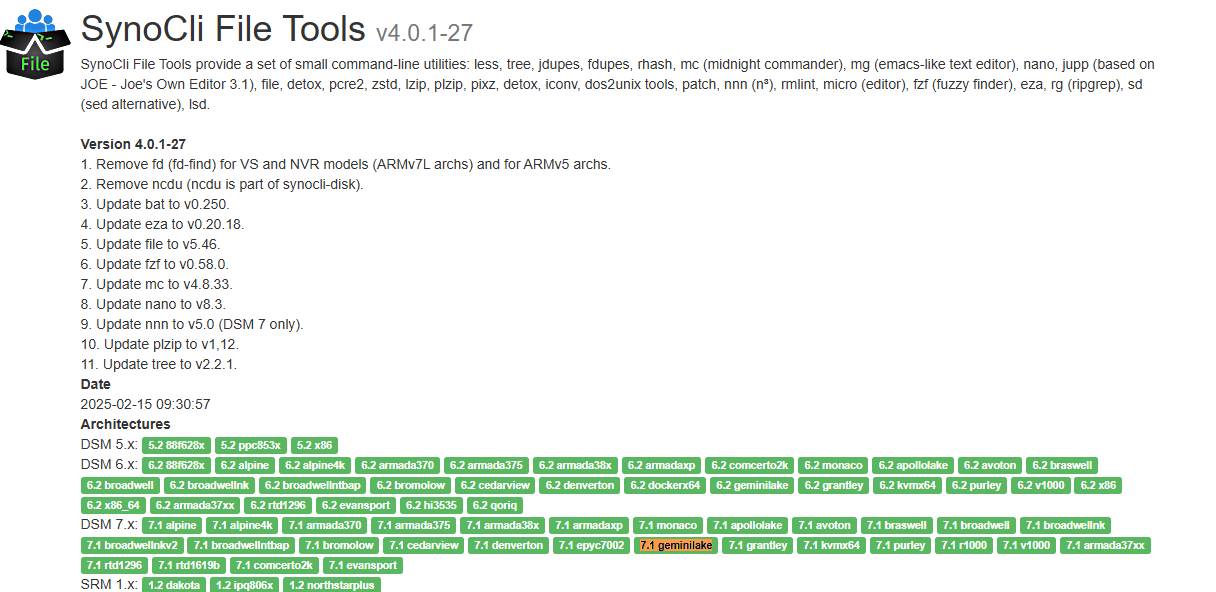
https://synocommunity.com/package/synocli-file
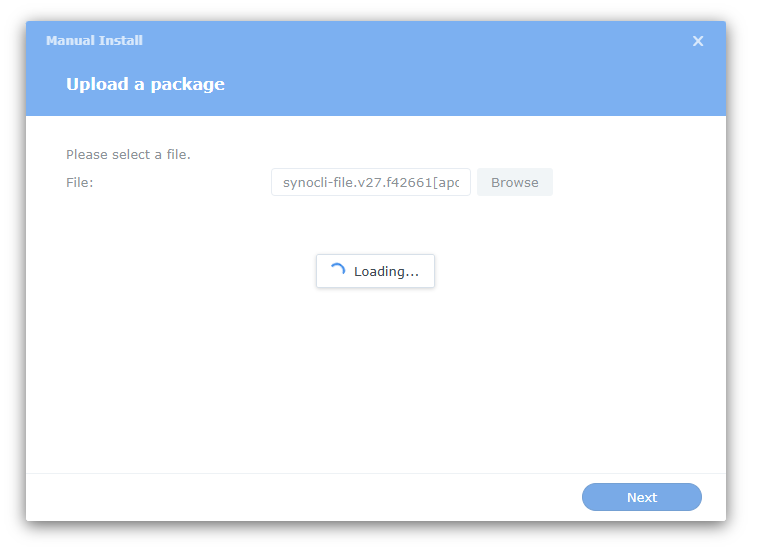
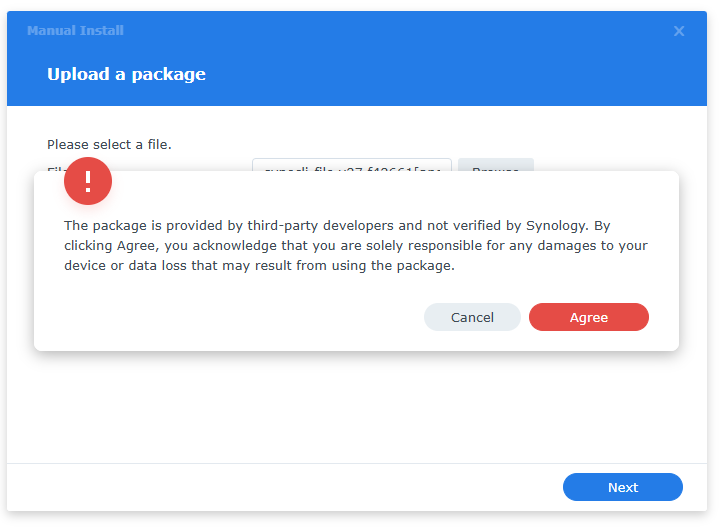
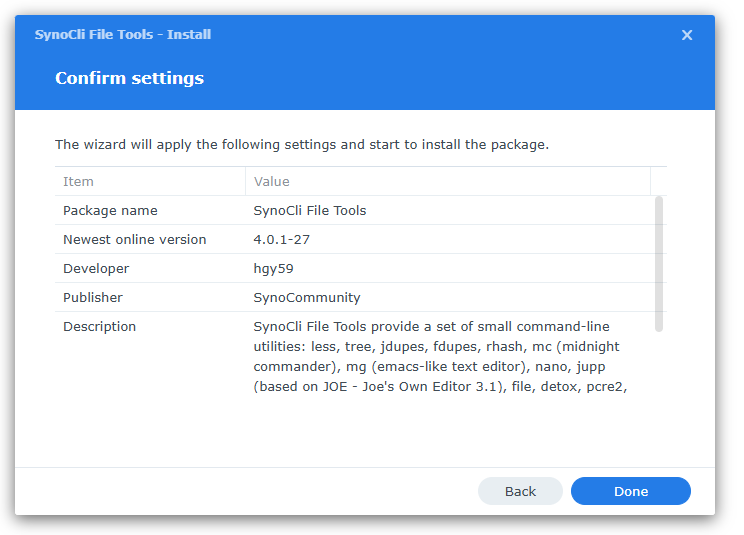
root@storage:~# df -h /volume1 Filesystem Size Used Avail Use% Mounted on /dev/vg1000/lv 16T 12T 4.1T 75% /volume1 root@storage:~# mount |grep /volume1 /dev/mapper/vg1000-lv on /volume1 type btrfs (rw,nodev,relatime,ssd,synoacl,nospace_cache,auto_reclaim_space,metadata_ratio=50,syno_allocator,subvolid=257,subvol=/@syno) |
execute deduplication
root@storage:~# jdupes --one-file-system --dedupe --recurse --size /volume1/backup/ Scanning: 761995 files, 109877 items (in 2 specified) Progress [138877/761995, 32742 pairs matched] 18% ... |
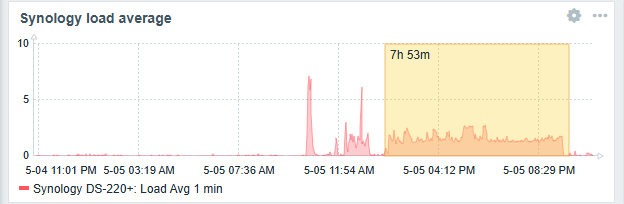
on backup folder jdupes processing take 7.5h
results is +0.3TB
root@storage:~# df -h /volume1 Filesystem Size Used Avail Use% Mounted on /dev/vg1000/lv 16T 12T 4.4T 73% /volume1 |
root@storage:~# btrfs filesystem du --summarize --human-readable /volume1/backup/
     Total   Exclusive  Set shared  Filename
   1.58TiB   995.21GiB   293.23GiB  /volume1/backup/
|