Make bootable flash drive with Ubuntu server
Download Ubuntu server
https://ubuntu.com/download/server
https://www.mirrorservice.org/sites/releases.ubuntu.com/24.04.2/ubuntu-24.04.2-live-server-amd64.iso
Download Rufus
https://github.com/pbatard/rufus/releases/download/v4.7/rufus-4.7.exe
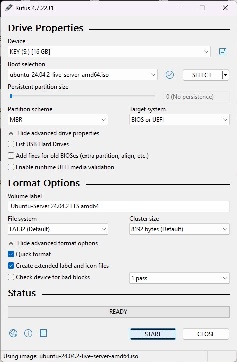
Make drive
Install Ubuntu 24.04 Server
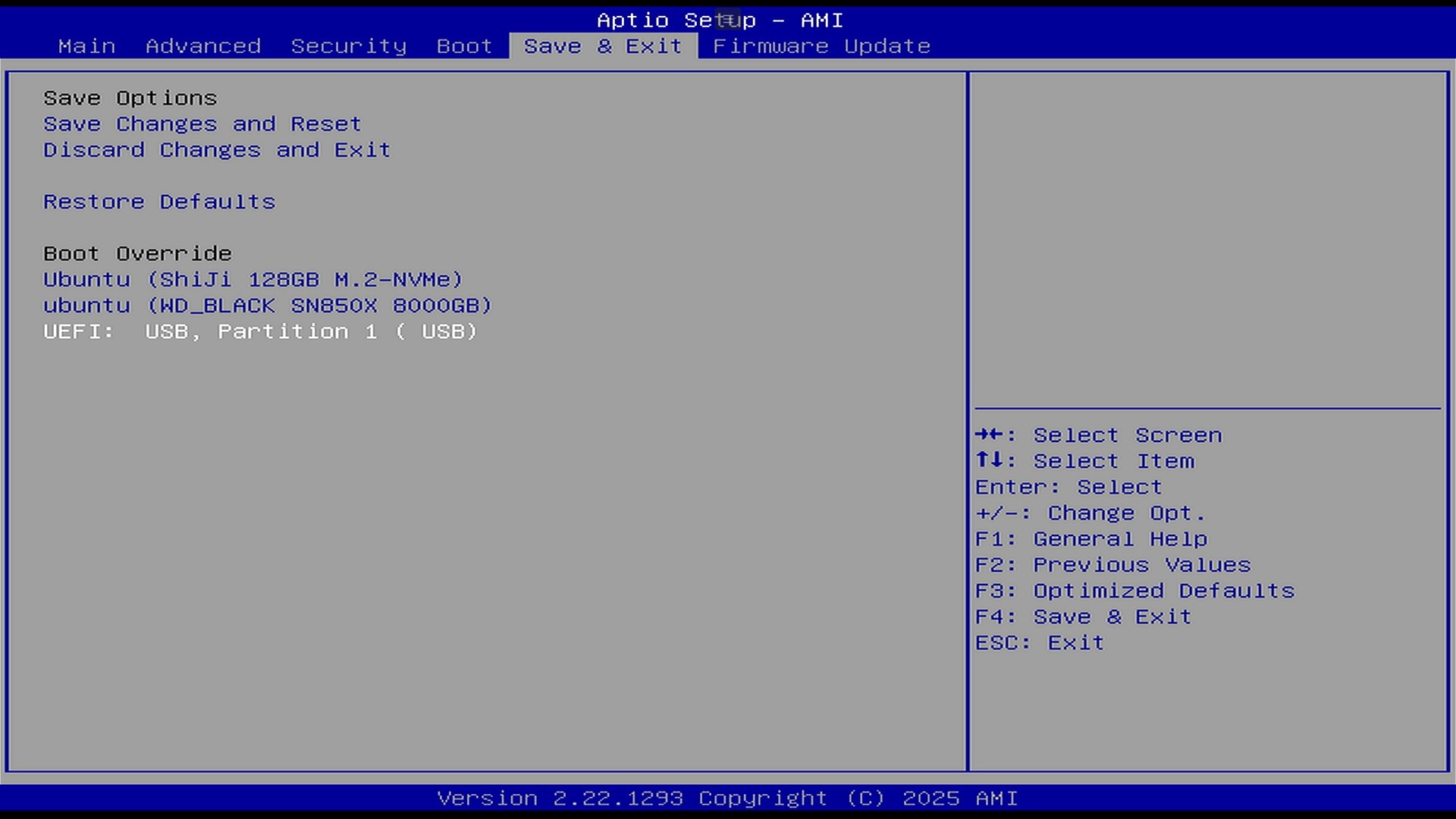
Press DEL on splash screen and choose to boot from FLASH
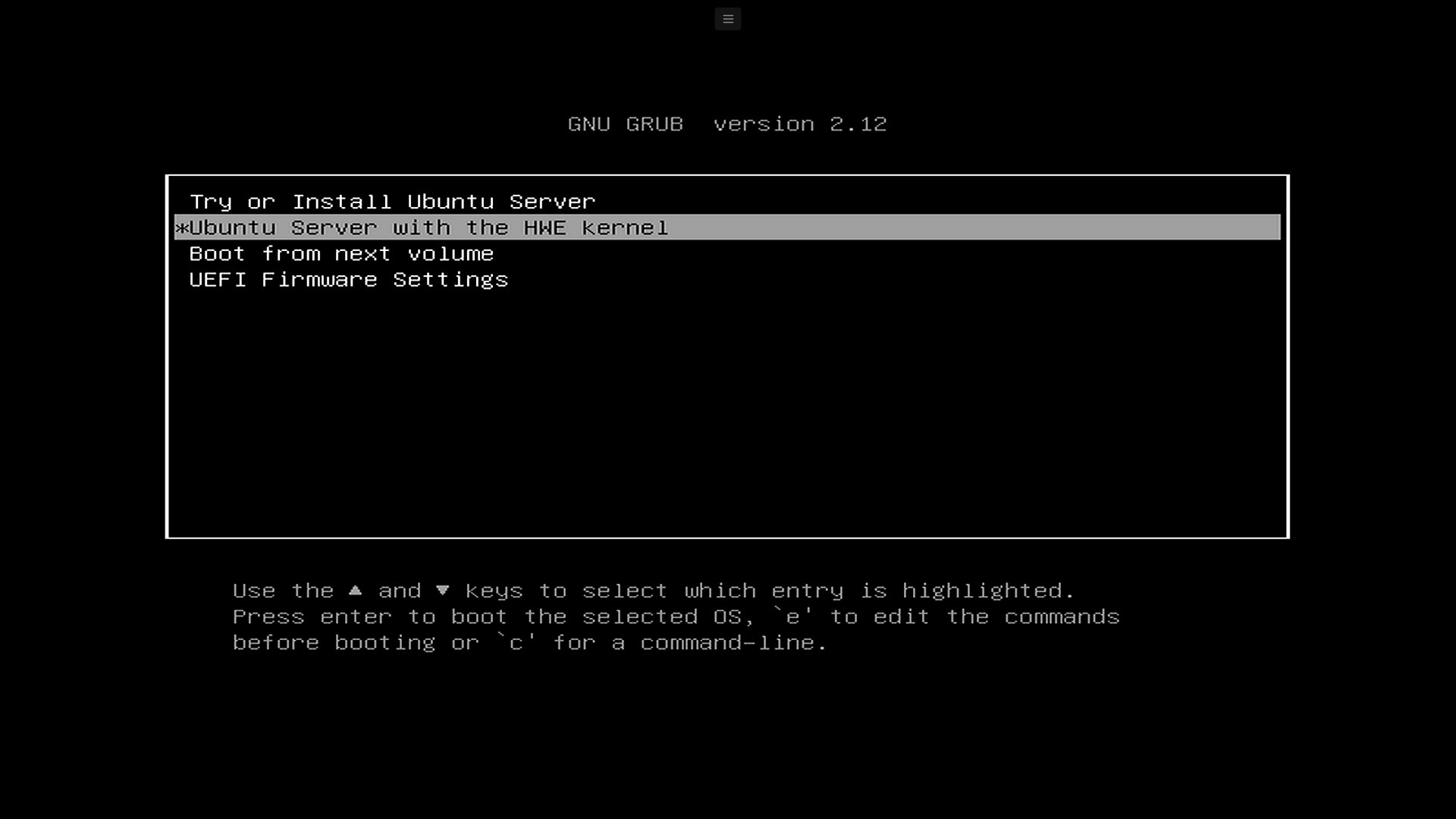
Choose HWE kernel (it will be 6.11 not 6.9)
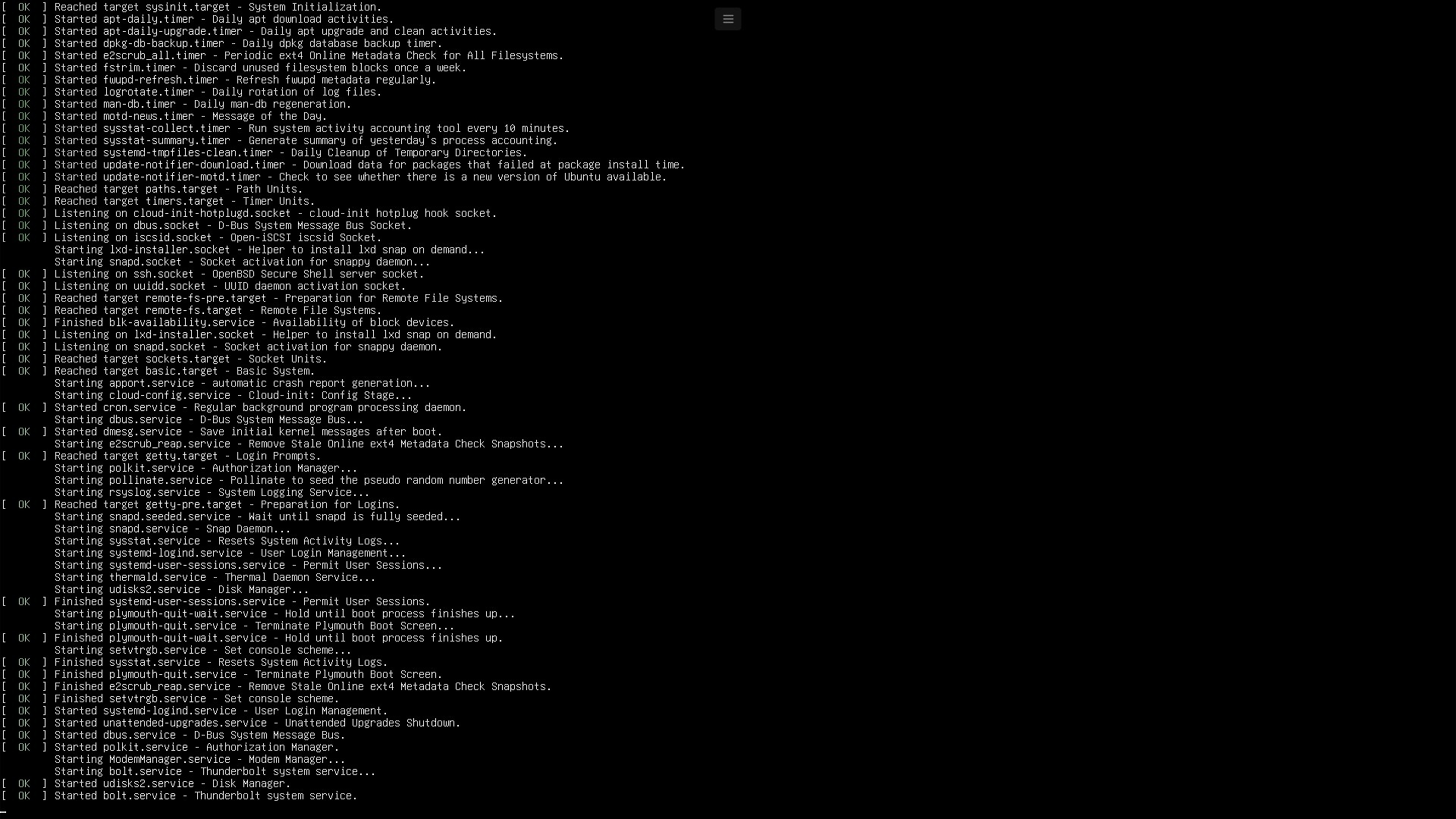
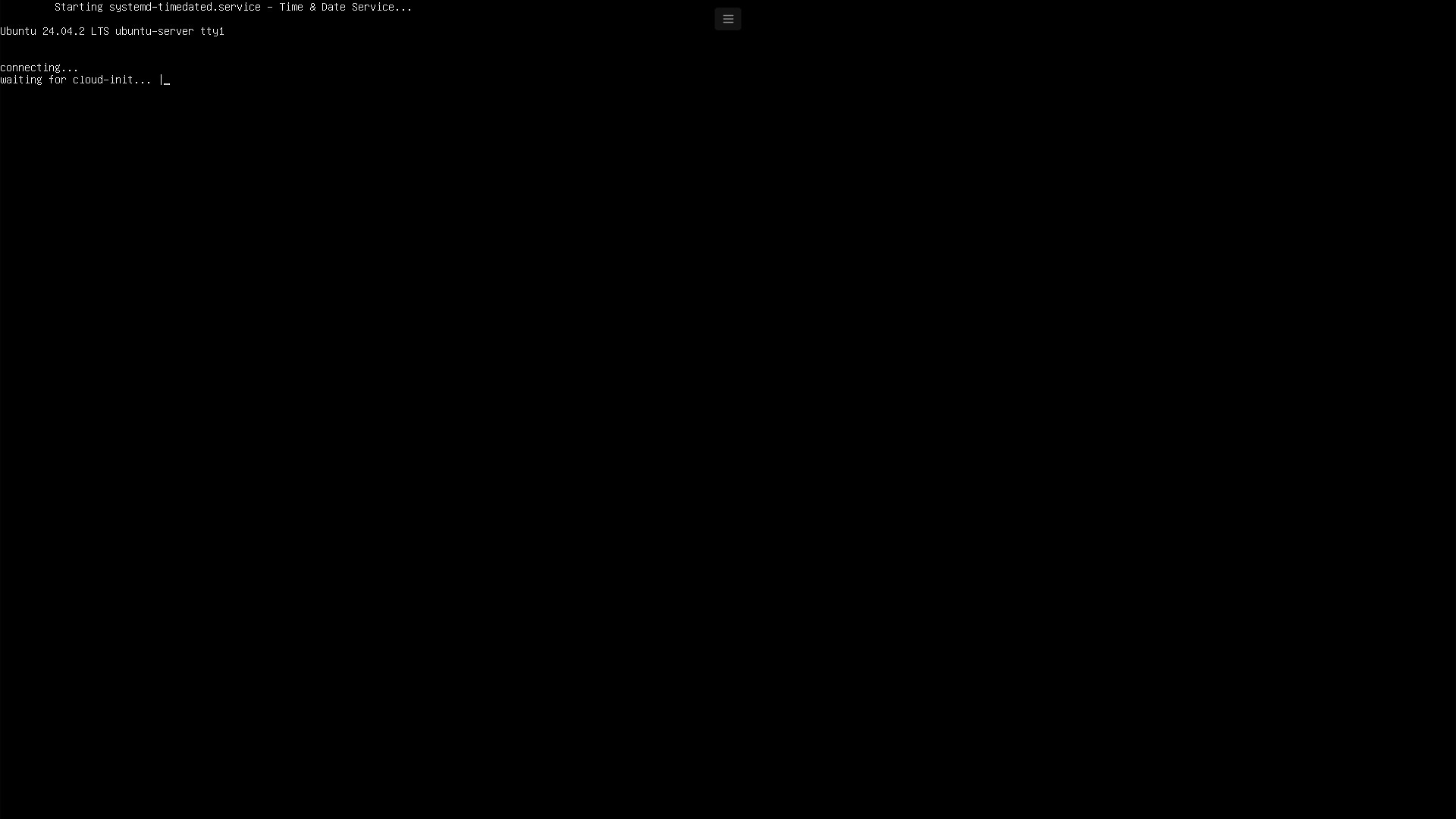
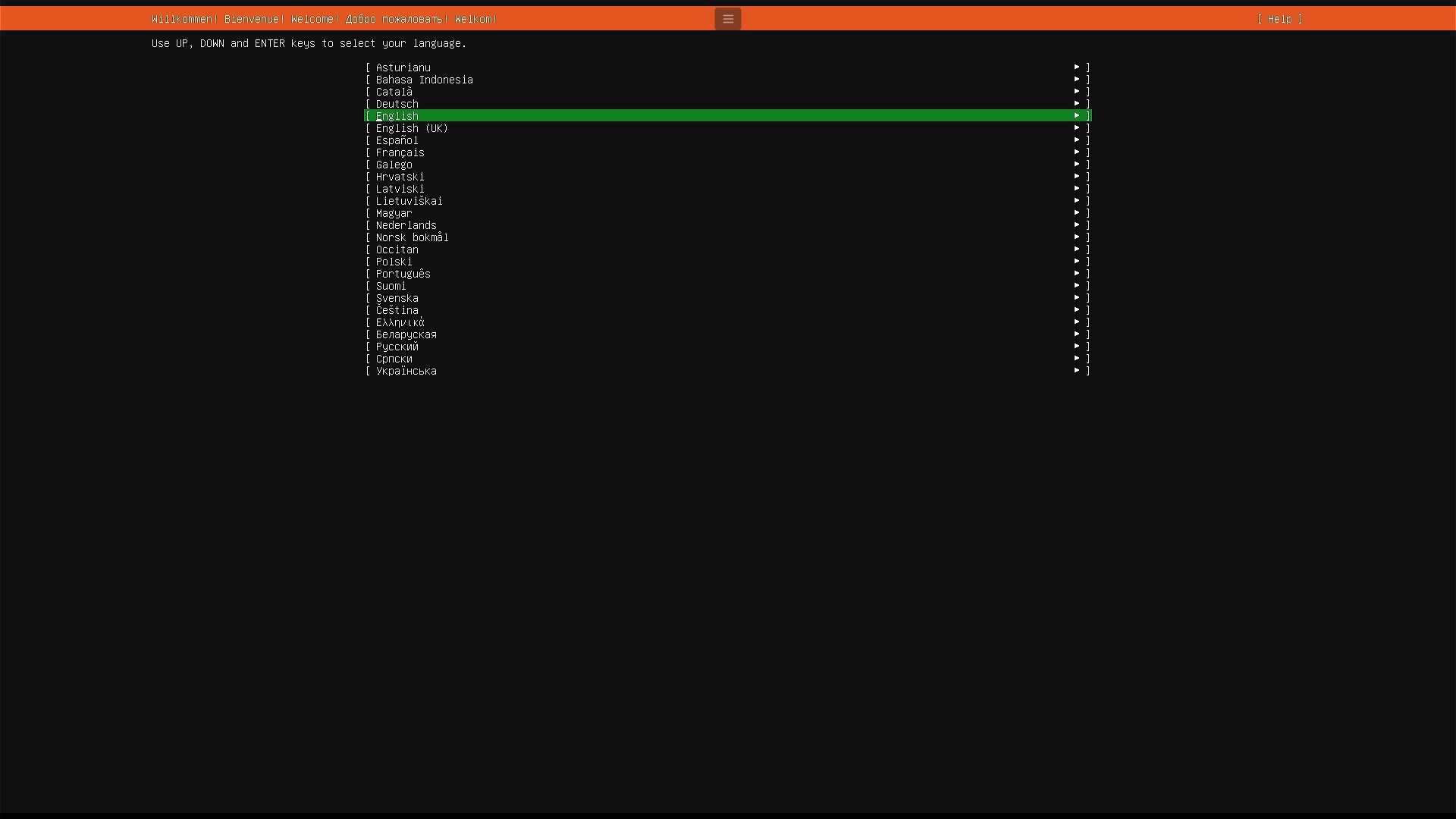
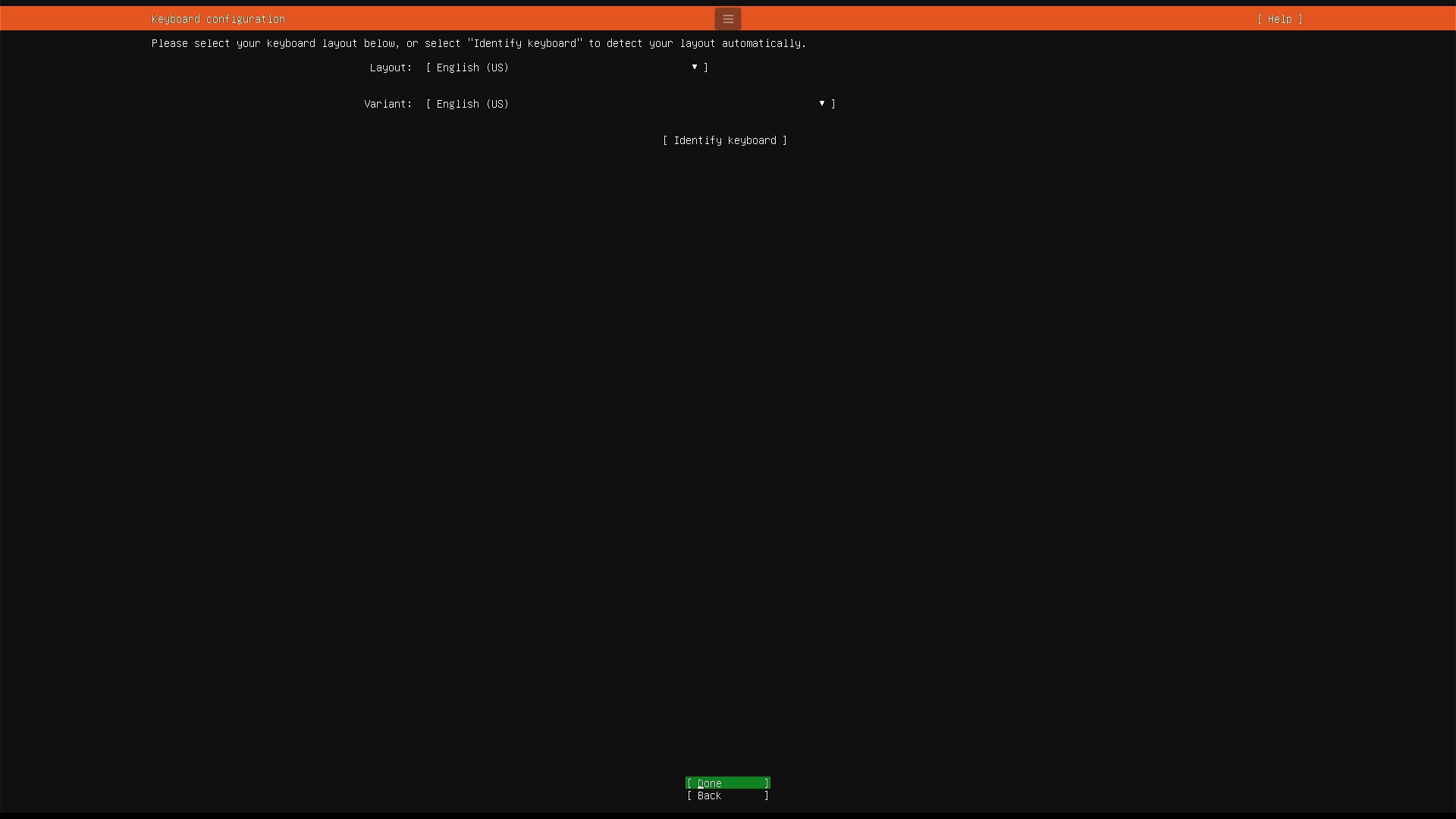
Choose language and disk partitions
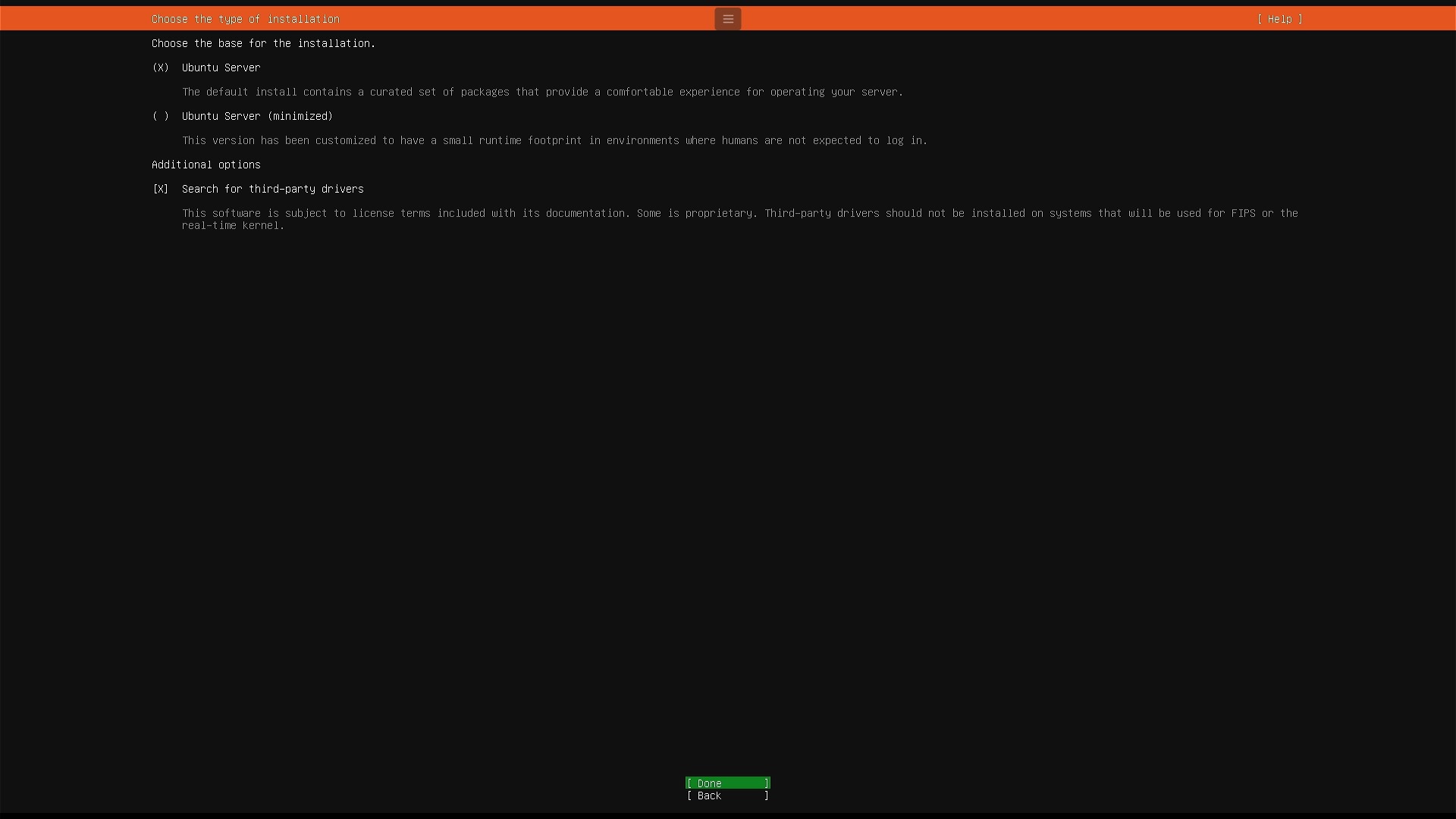
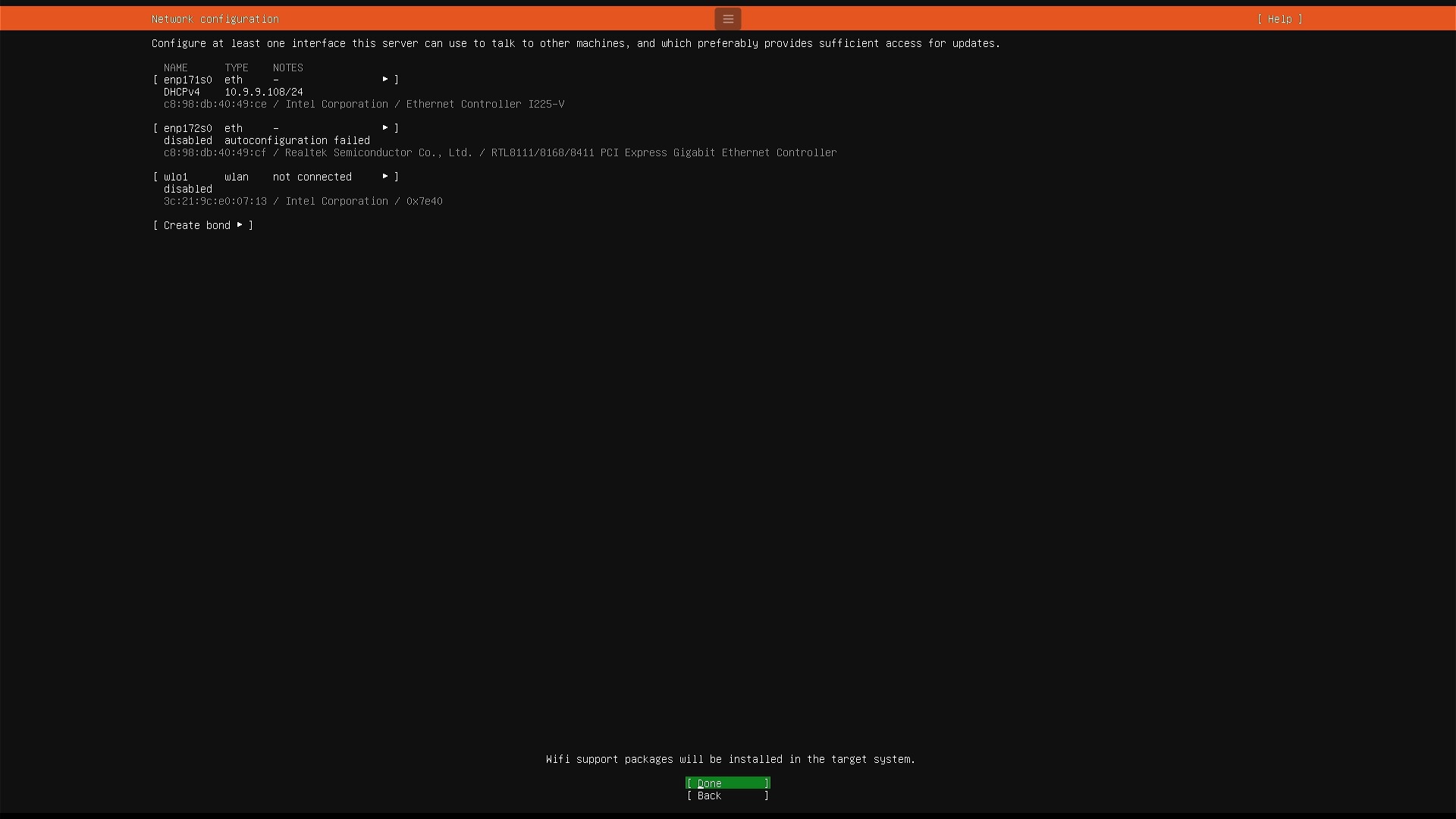
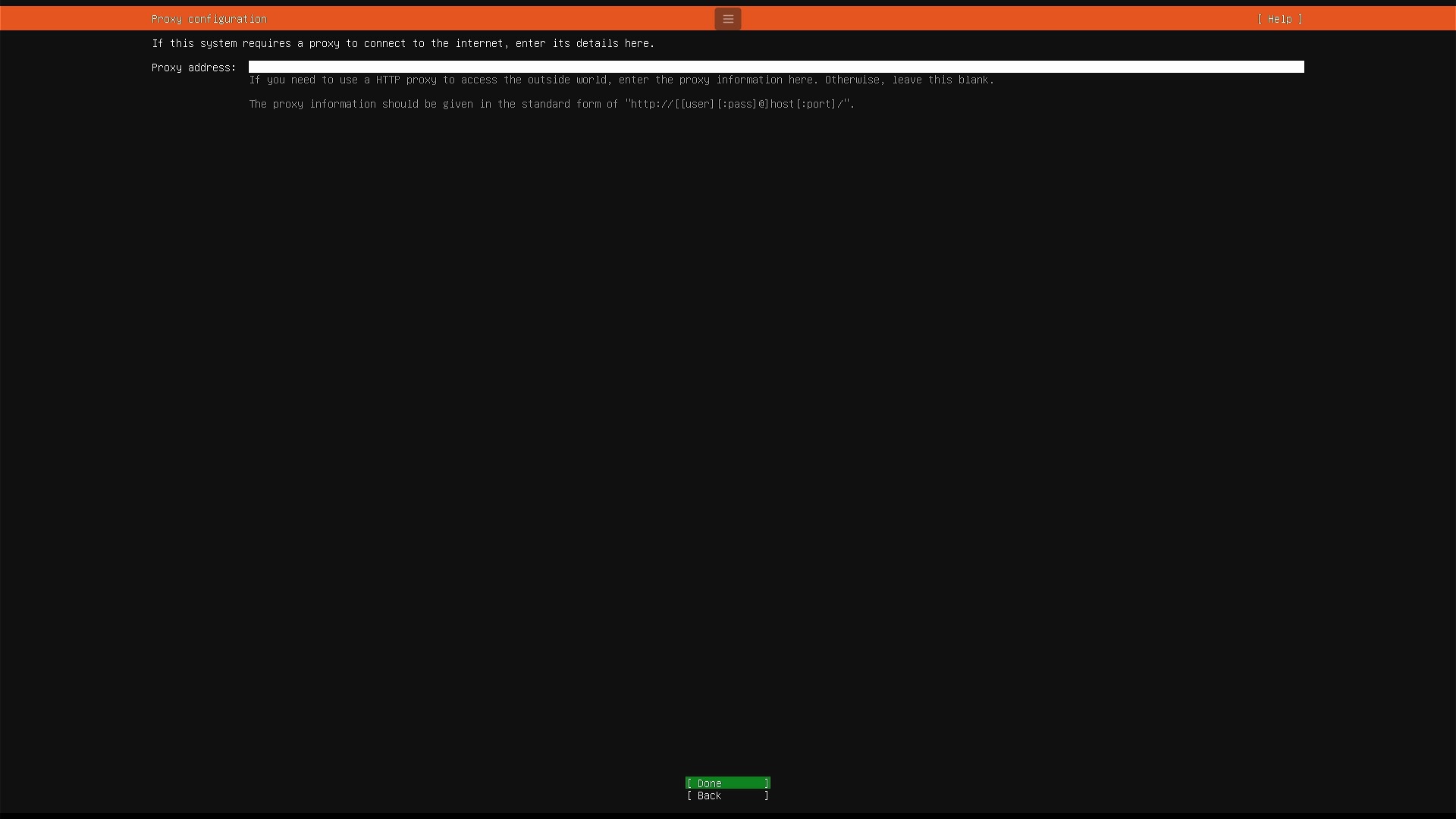
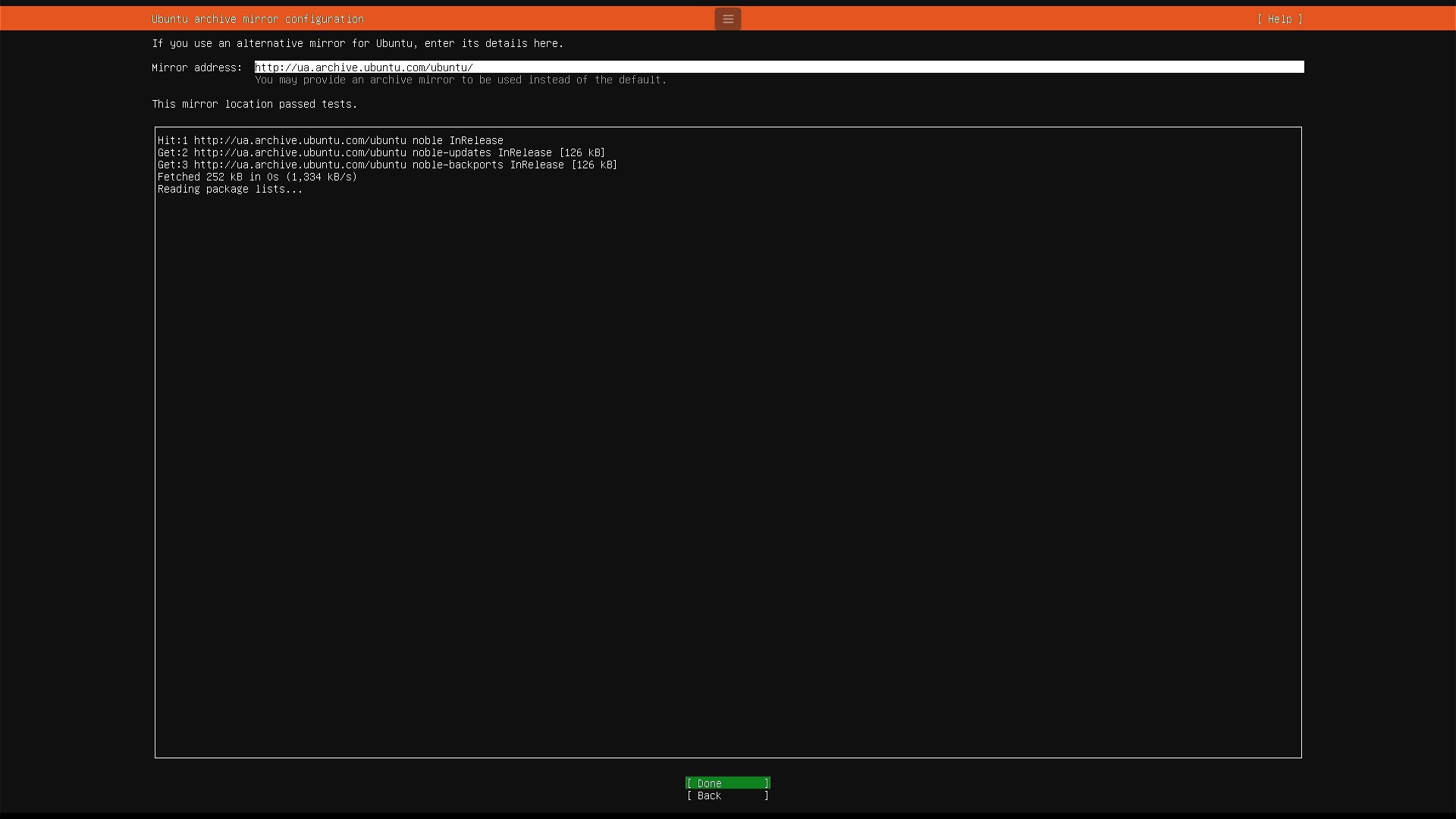
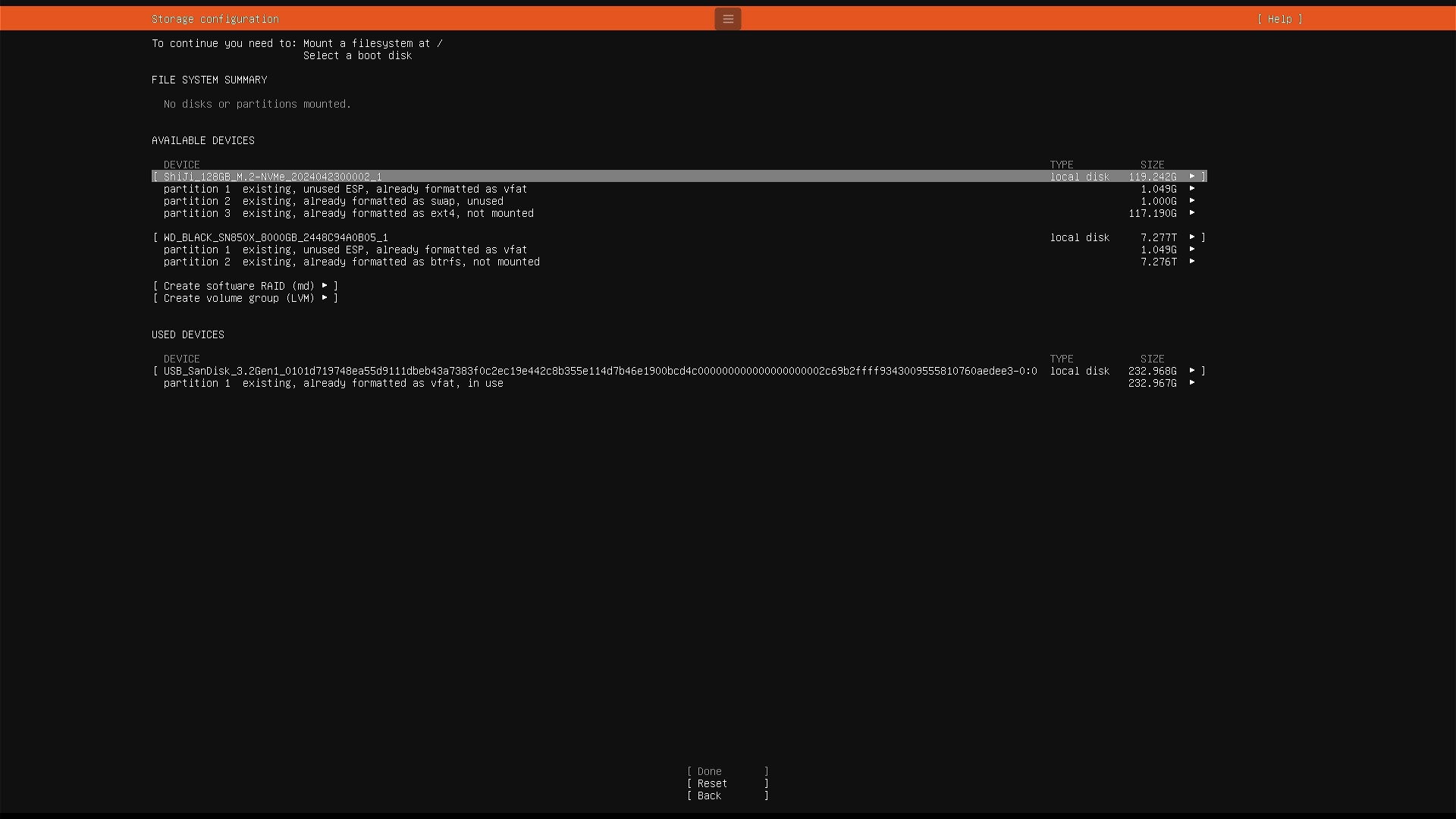
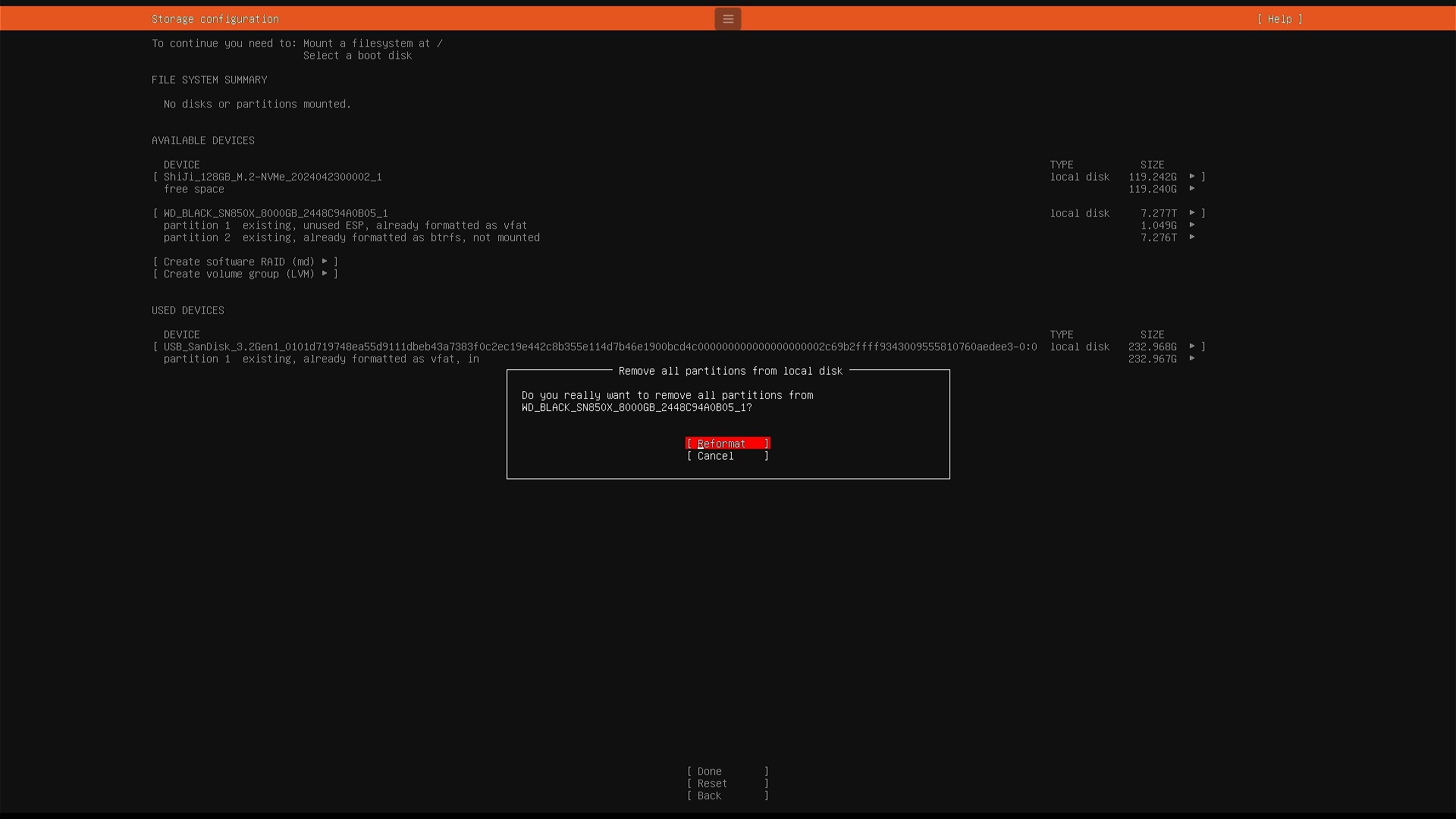
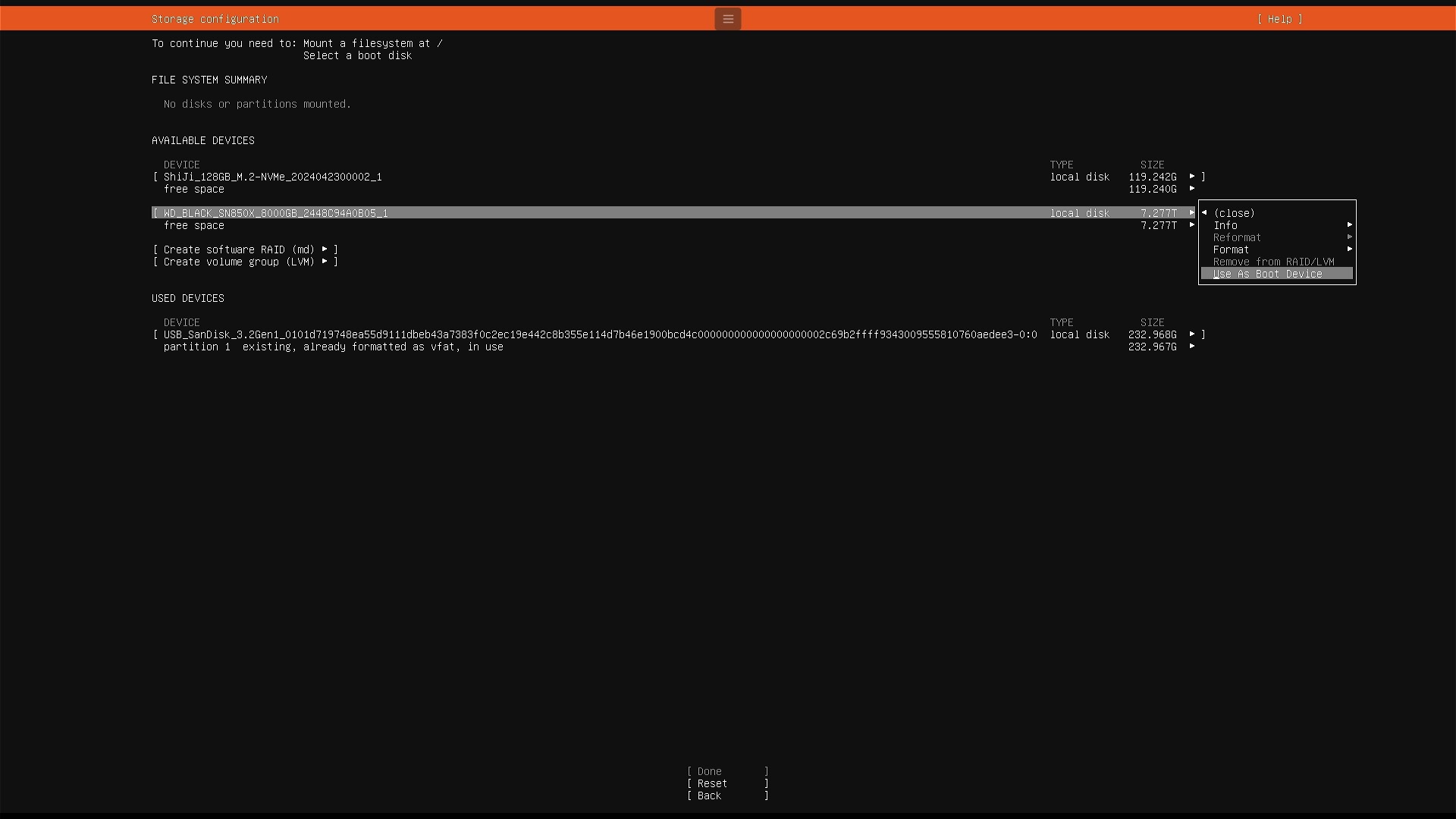
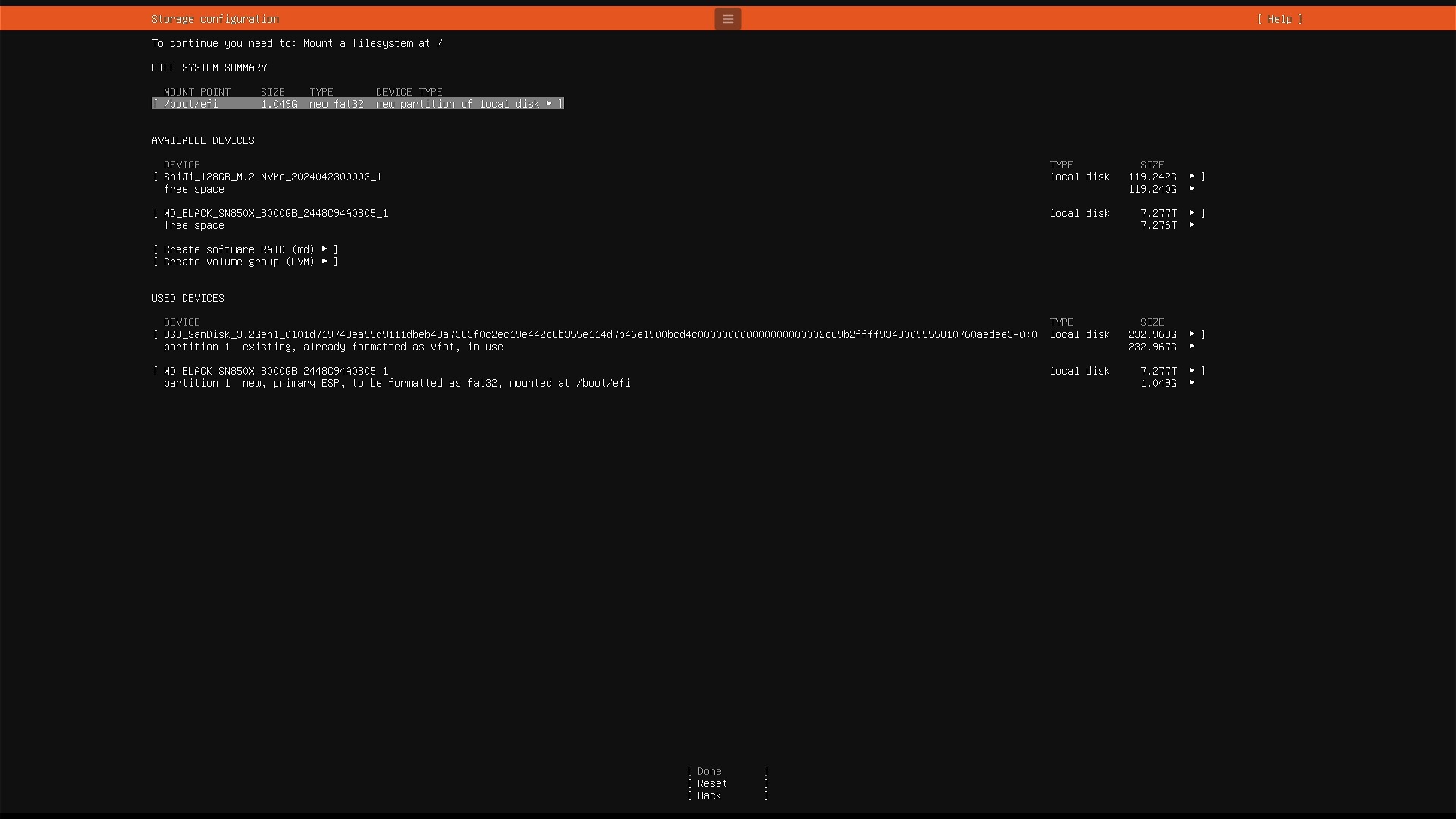
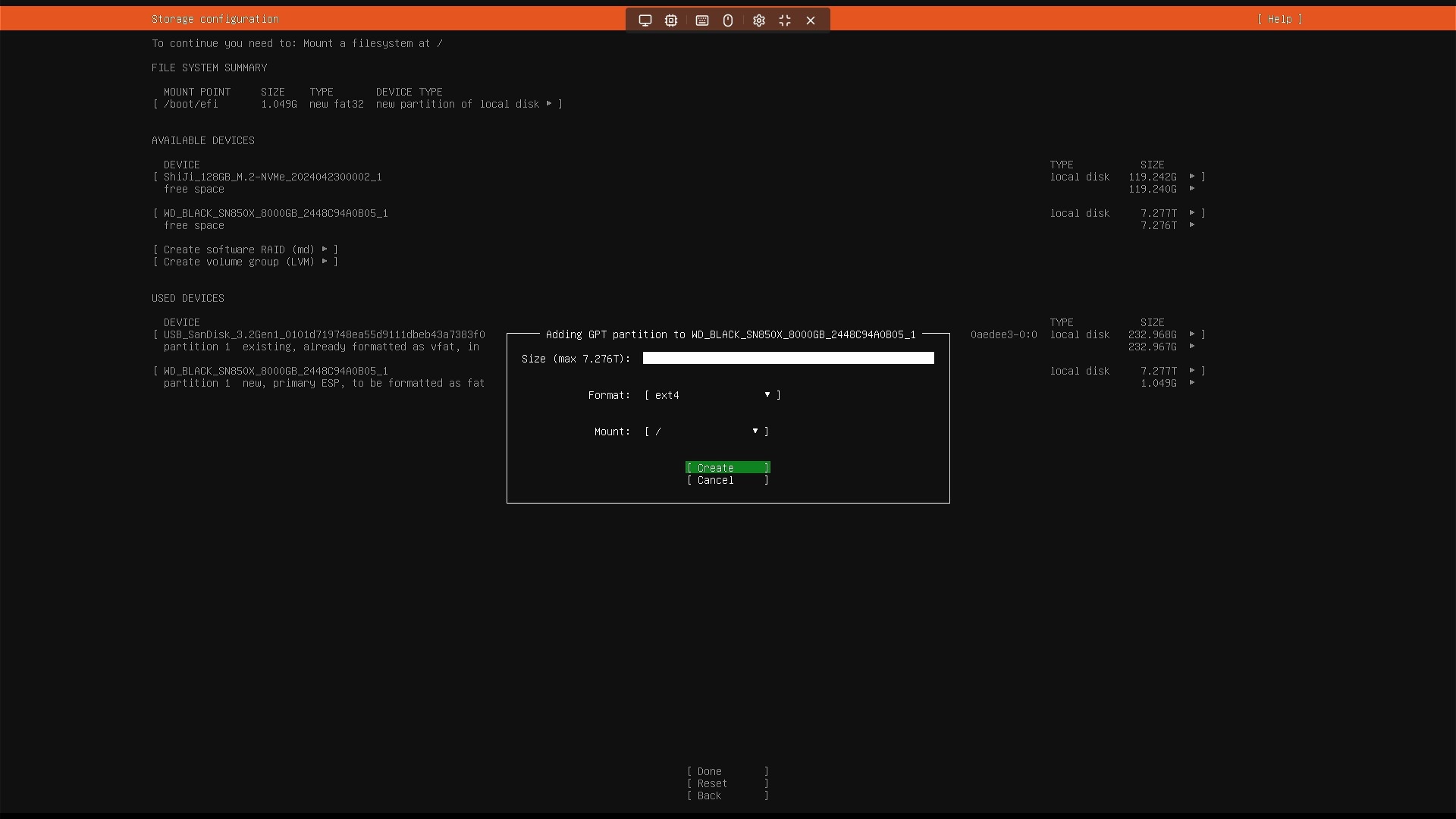
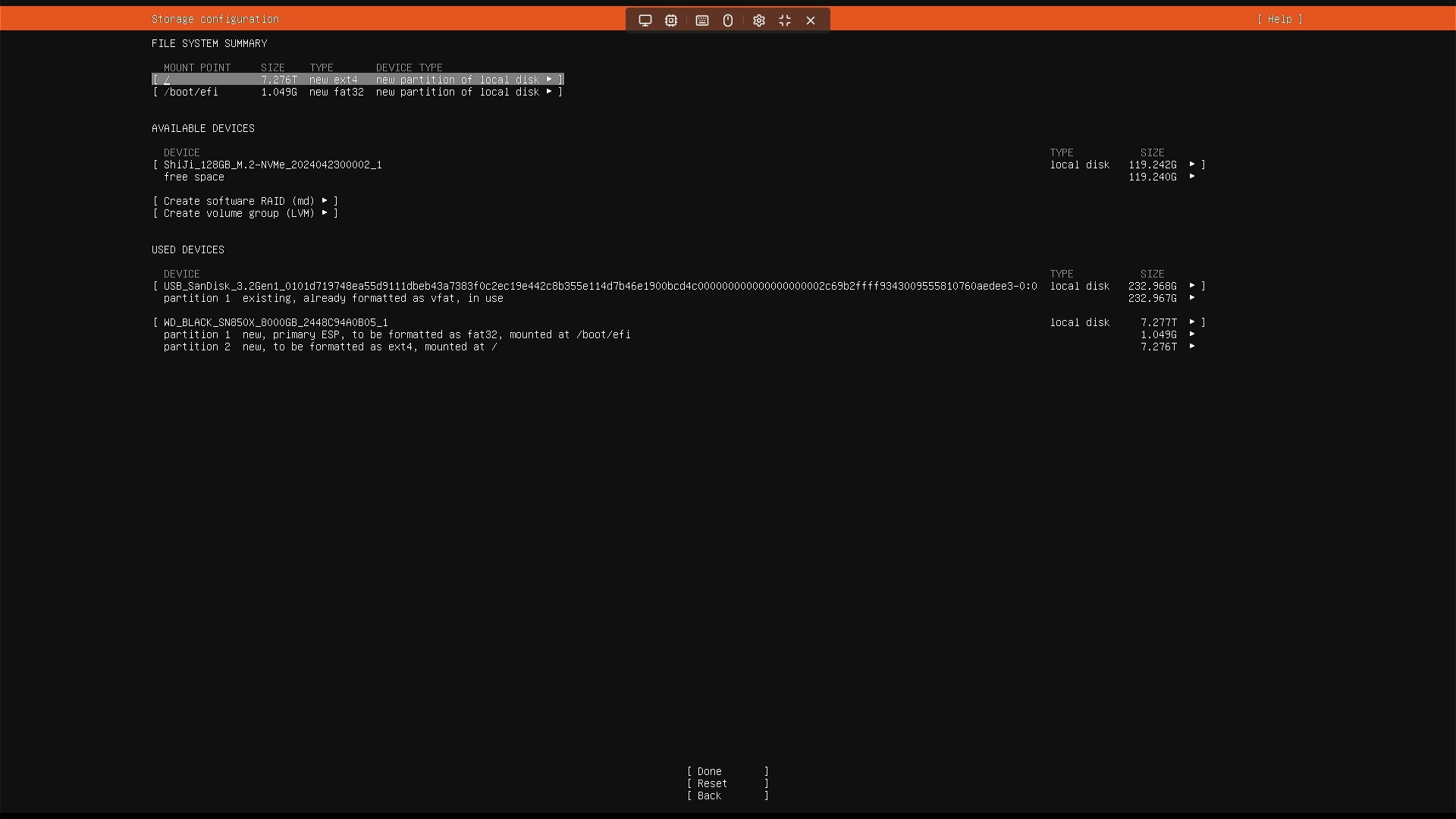
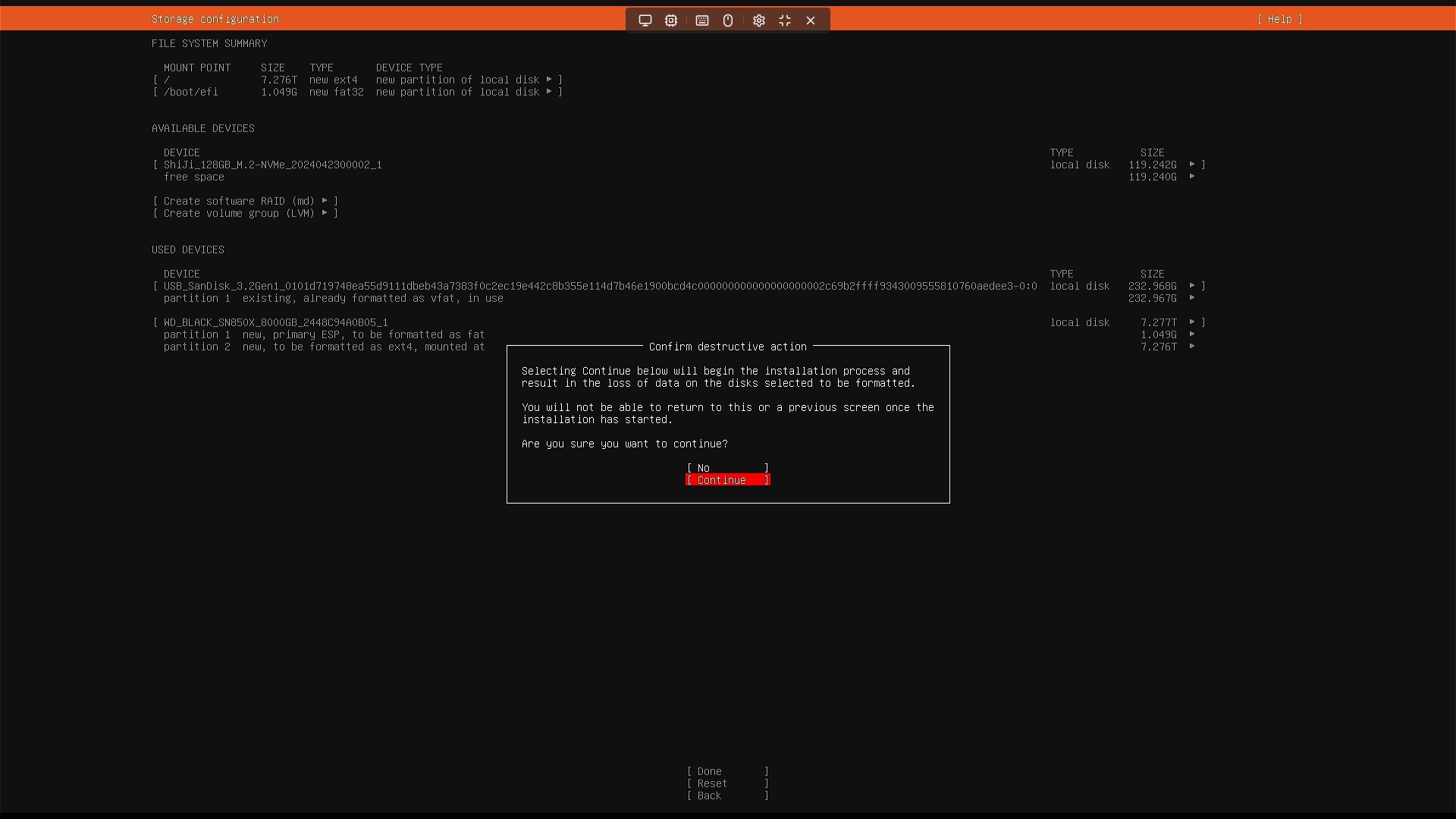
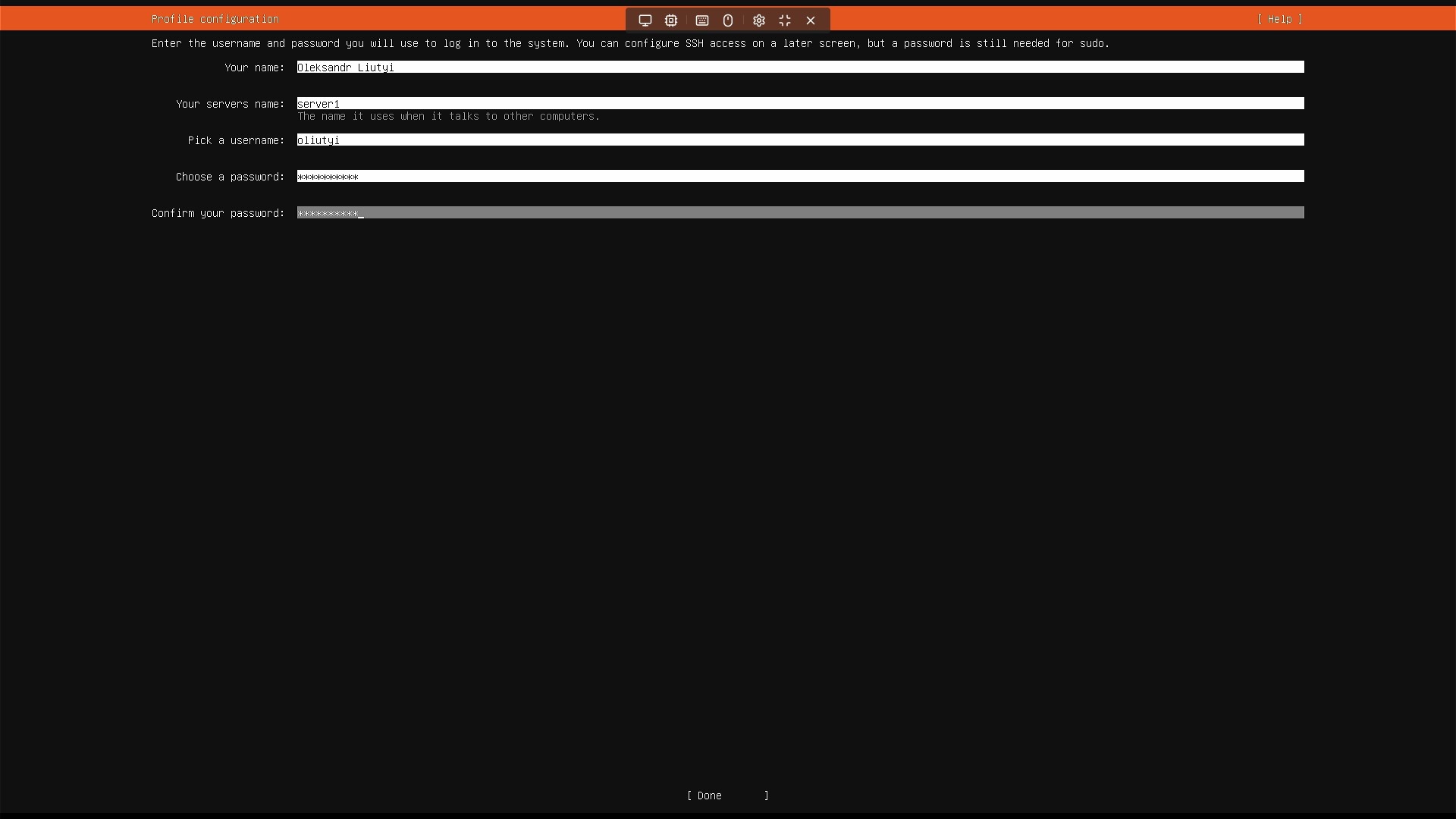
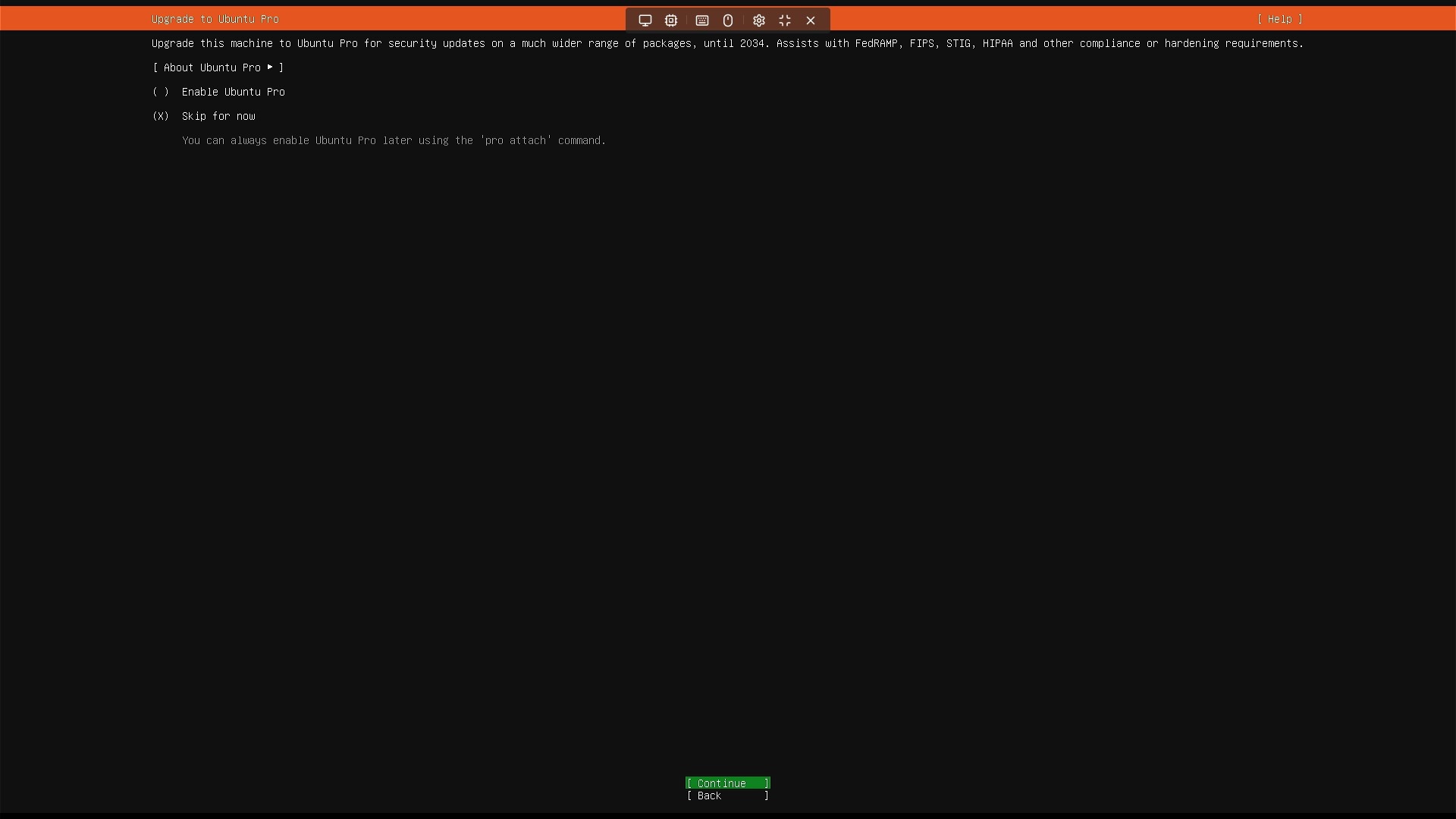
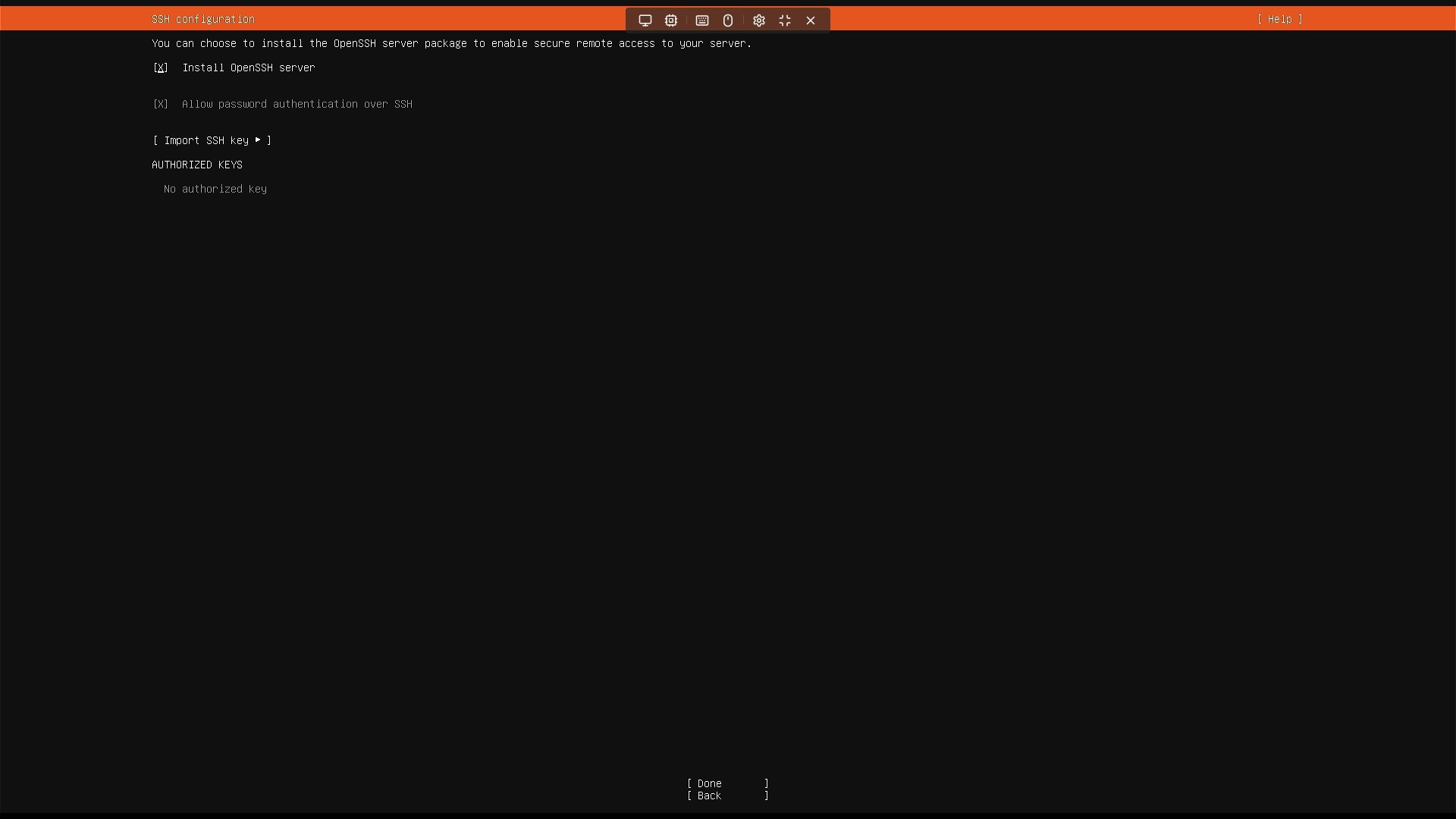
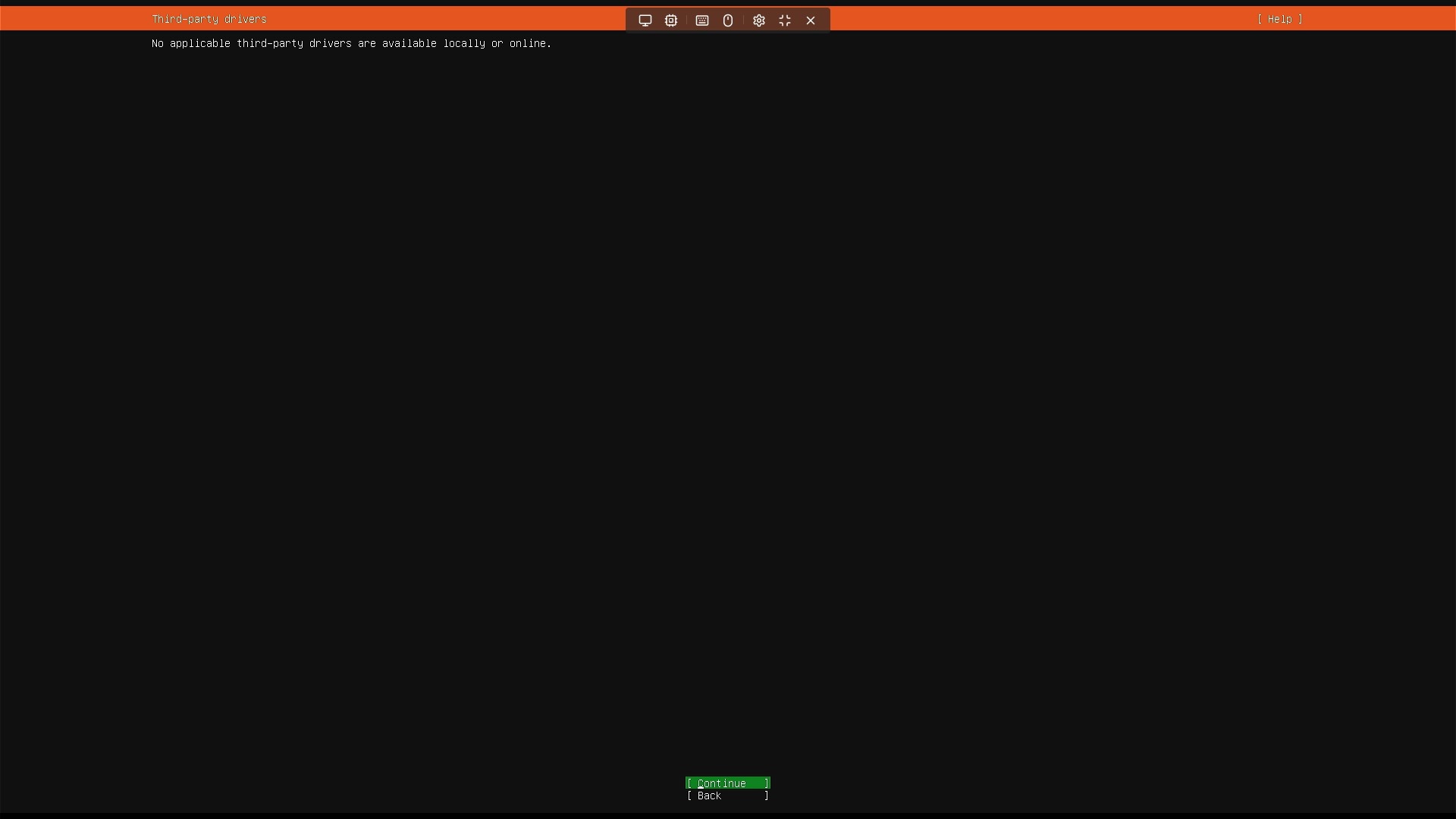
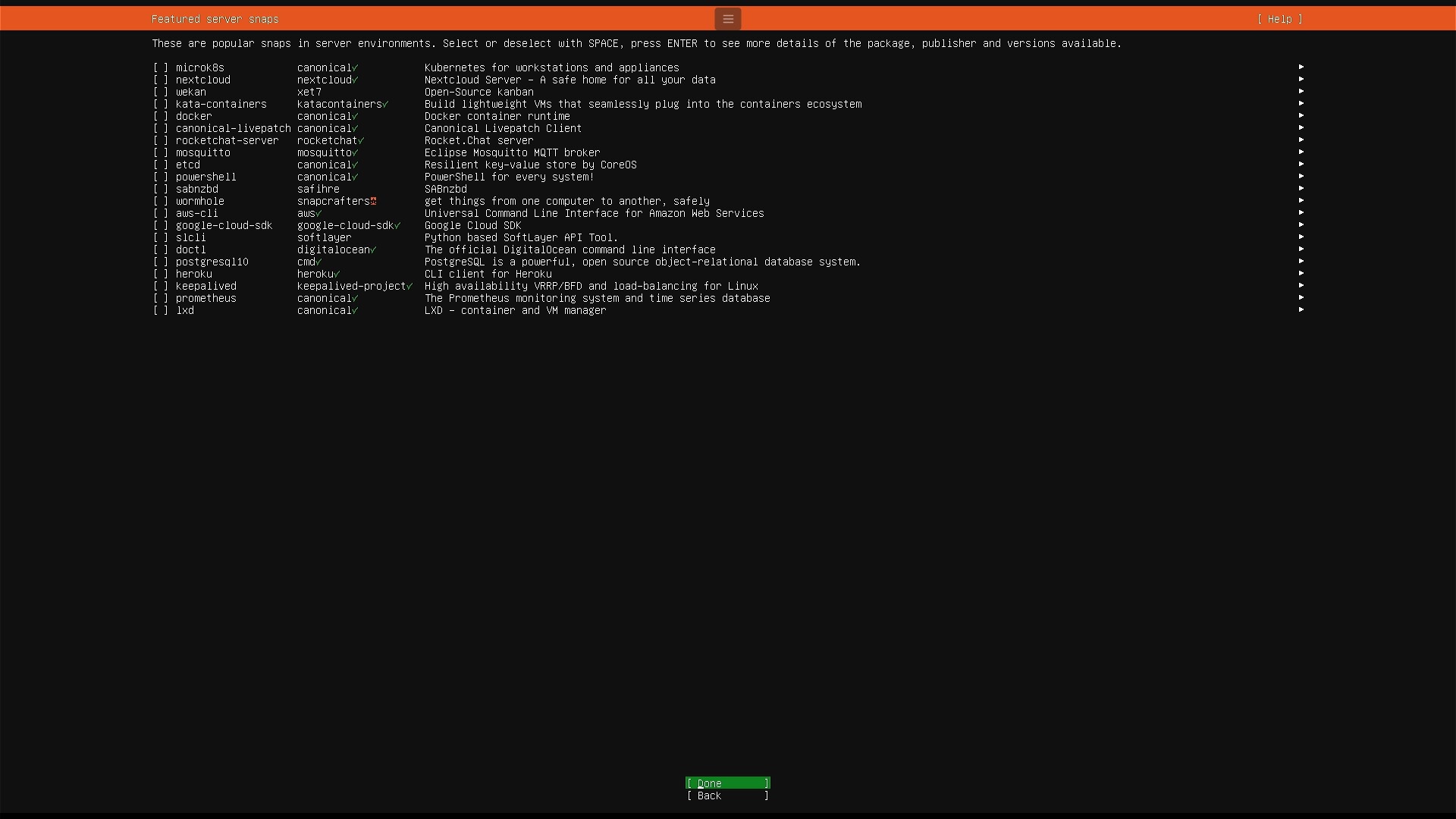
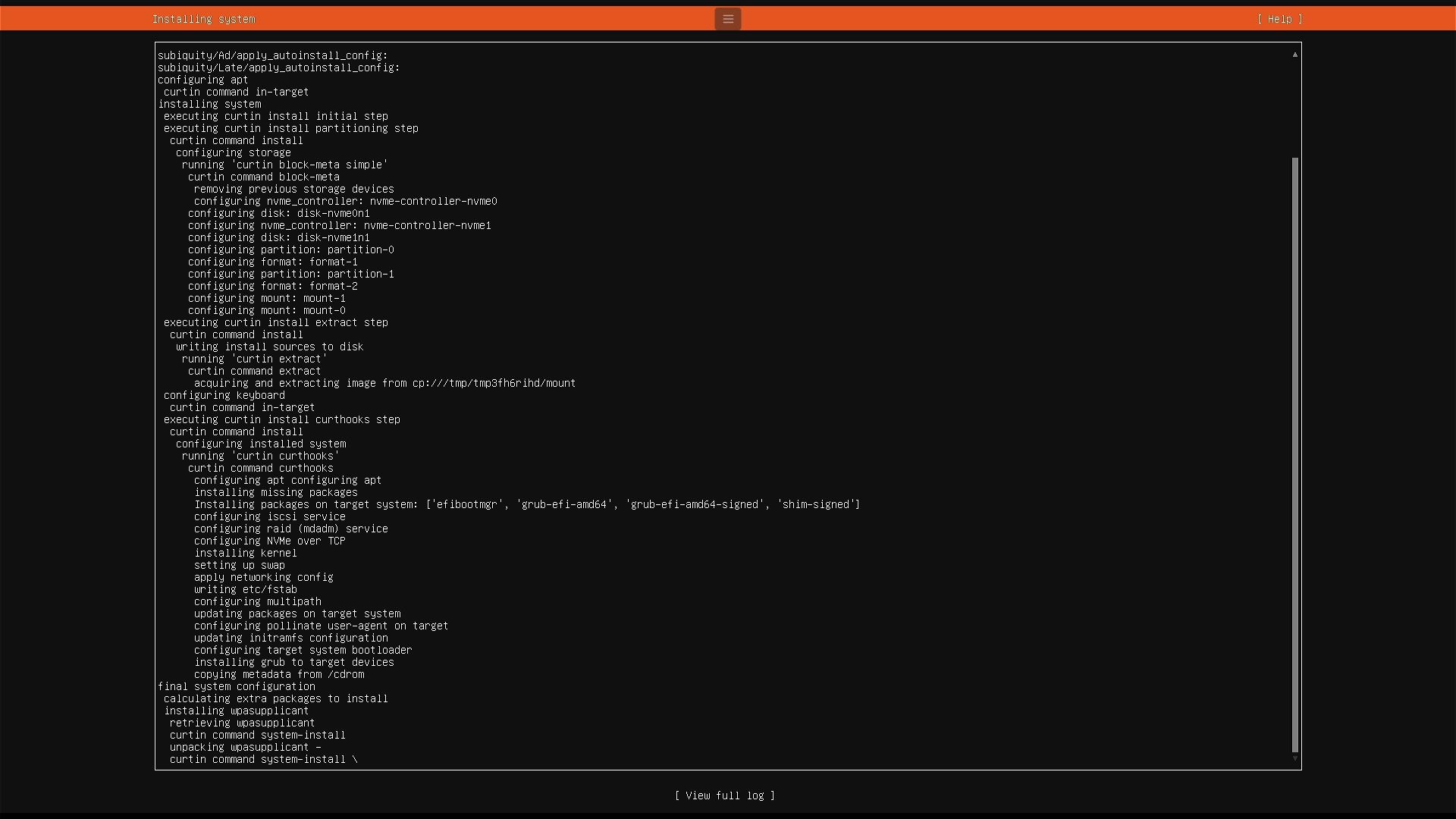
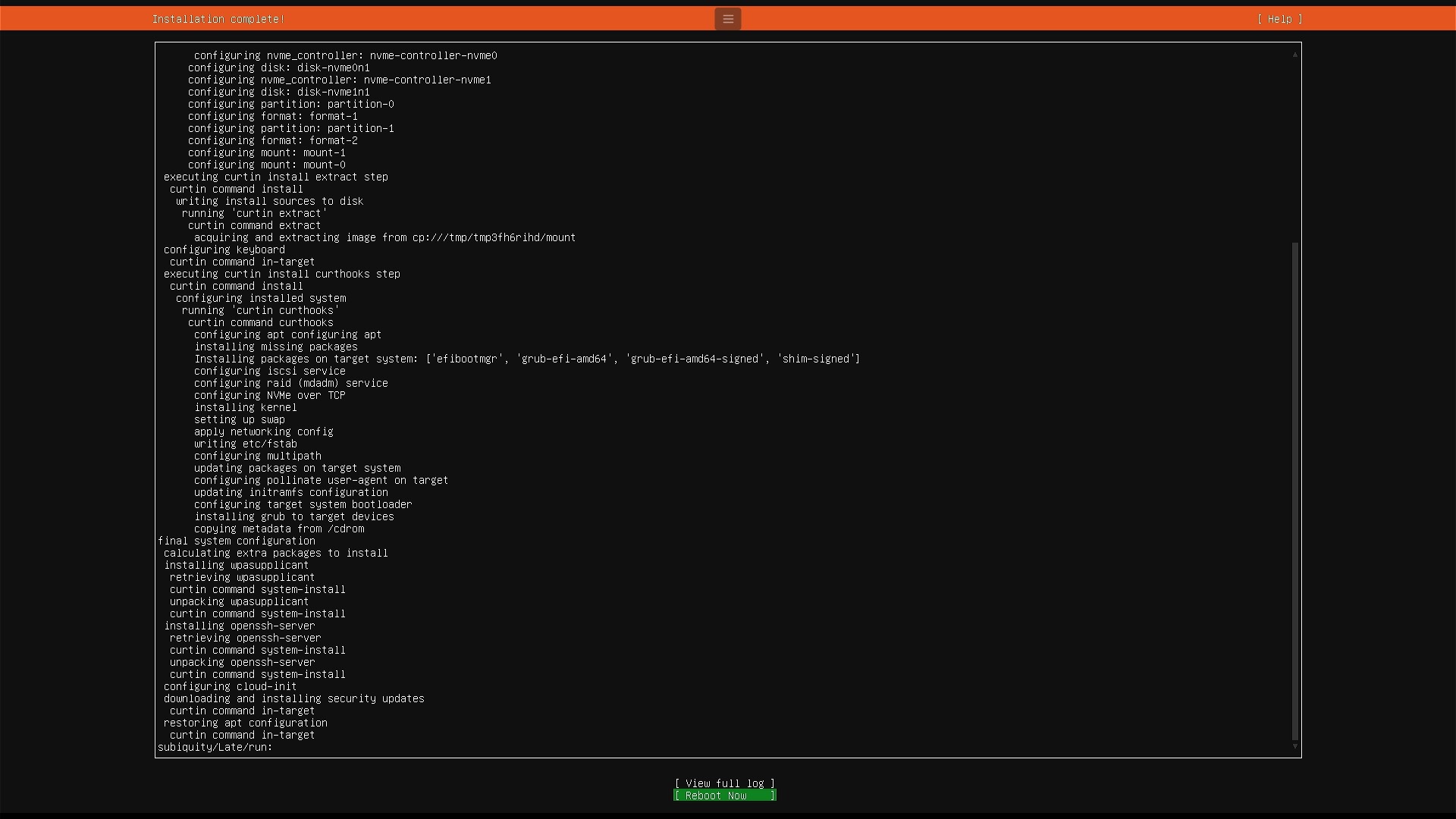
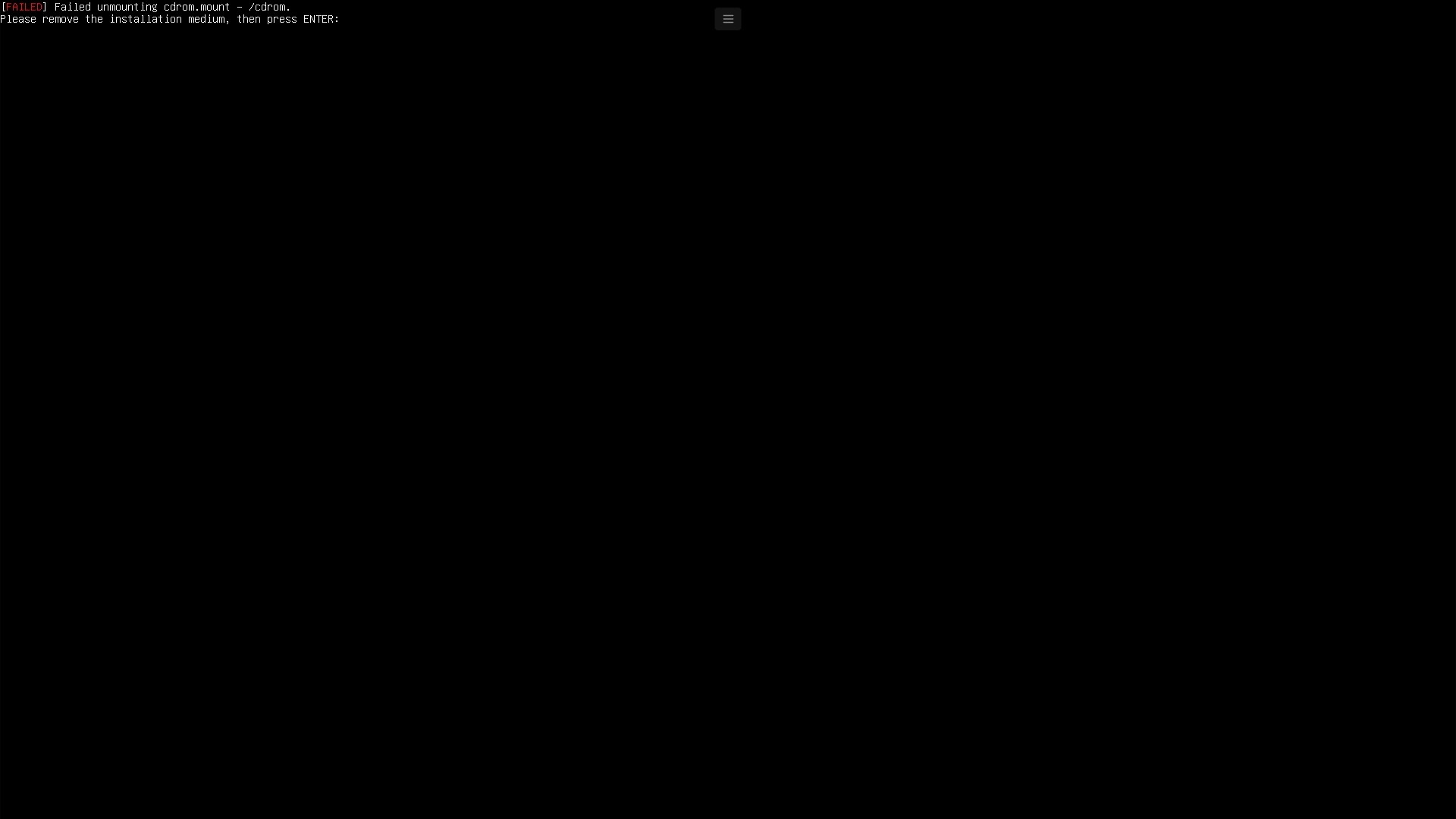
Create user, enable SSH, reboot
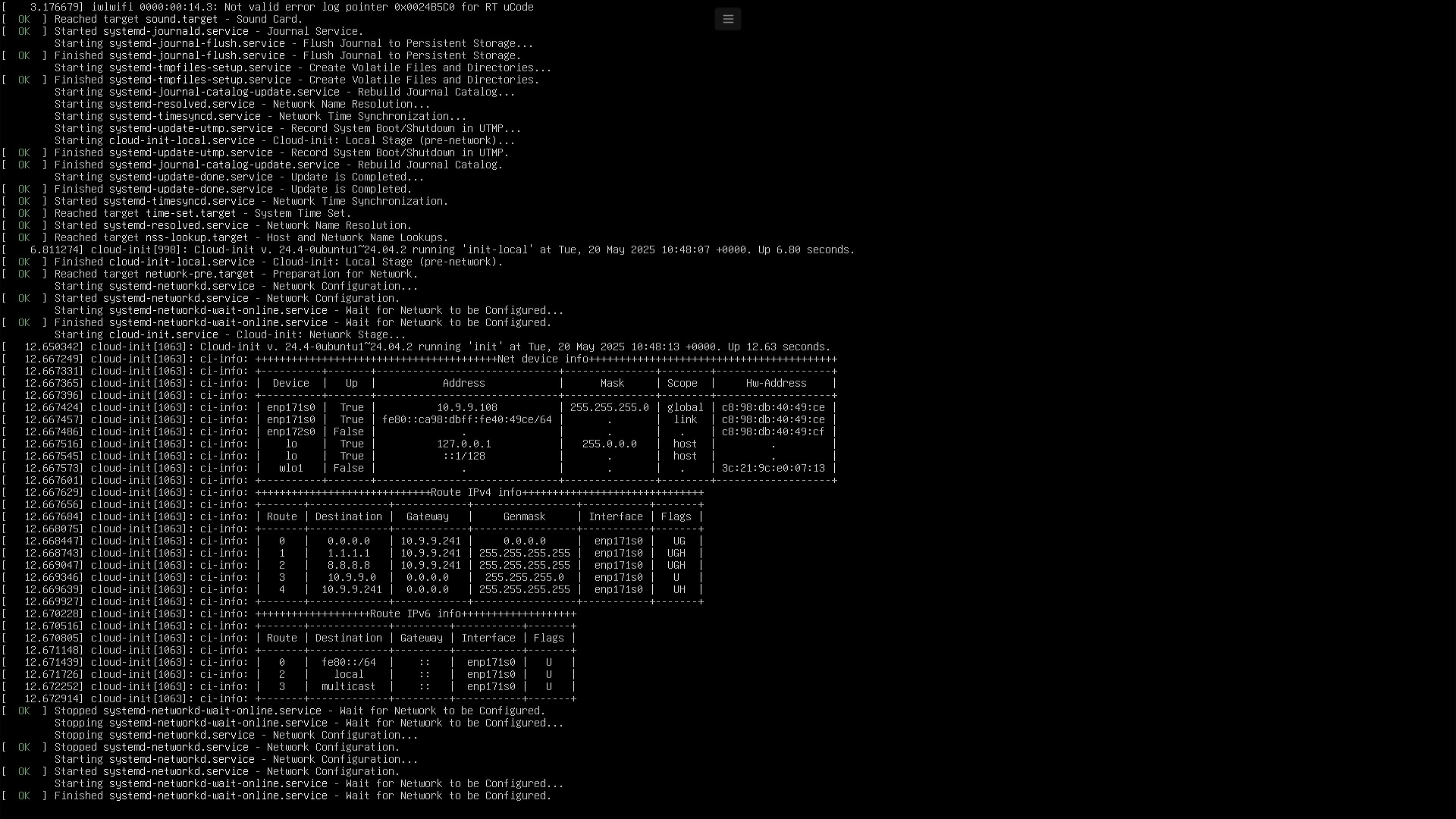

Use Putty to connect to server
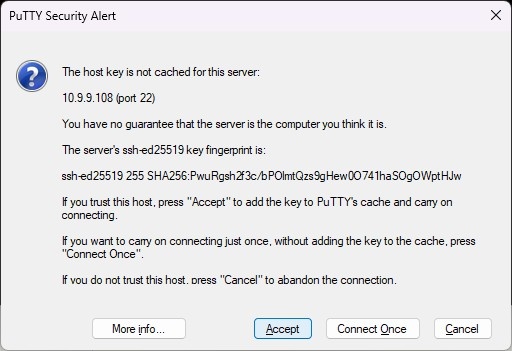
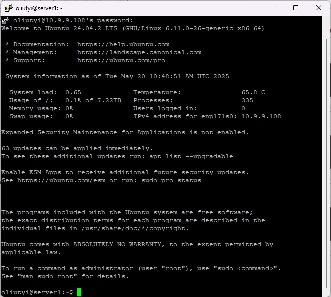
from now we do not need keyboard and monitor (or KVM) next steps may and better be done remotely using ssh access
see Ubuntu 24.04
