DRAFT
https://github.com/ggml-org/llama.cpp
https://github.com/intel/ipex-llm/blob/main/docs/mddocs/Quickstart/llama_cpp_quickstart.md
https://www.intel.com/content/www
/us/en/developer/articles/technical/run-llms-on-gpus-using-llama-cpp.html
https://github.com/ollama/ollama
https://ollama.com/library/llama4
https://ollama.com/library/qwen3
https://ollama.com/library/deepseek-r1
https://www.intel.com/content/www/us/en/developer/tools/oneapi/dpc-compiler.html
https://huggingface.co/TheBloke/Mistral-7B-Instruct-v0.1-GGUF/tree/main
Intel tools
Intel oneAPI
oneMKL - OneAPI Math Kernel Library, OneDNN - oneAPI Deep Neural Network Library
apt update
apt install -y gpg-agent wget
wget -O- https://apt.repos.intel.com/intel-gpg-keys/GPG-PUB-KEY-INTEL-SW-PRODUCTS.PUB | gpg --dearmor | tee /usr/share/keyrings/oneapi-archive-keyring.gpg > /dev/null
echo "deb [signed-by=/usr/share/keyrings/oneapi-archive-keyring.gpg] https://apt.repos.intel.com/oneapi all main" | tee /etc/apt/sources.list.d/oneAPI.list
apt update
apt install -y intel-oneapi-base-toolkit
#
check
. /opt/intel/oneapi/2025.1/oneapi-vars.sh
oneapi-cli
Intel C++ essentials
#apt -y install intel-cpp-essentials
#apt -y install cmake pkg-config build-essential
Intel Ai Framework and tools
AI Tools
wget https://registrationcenter-download.intel.com/akdlm/IRC_NAS/491d5c2a-67fe-48d0-884f-6aecd88f5d8a/ai-tools-2025.0.0.75_offline.sh
sh ai-tools-2025.0.0.75_offline.sh
OpenVINO
https://www.intel.com/content/www/us/en/developer/tools/openvino-toolkit/download.html
wget https://apt.repos.intel.com/intel-gpg-keys/GPG-PUB-KEY-INTEL-SW-PRODUCTS.PUB
sudo apt-key add GPG-PUB-KEY-INTEL-SW-PRODUCTS.PUB
echo "deb https://apt.repos.intel.com/openvino ubuntu24 main" | sudo tee /etc/apt/sources.list.d/intel-openvino.list
sudo apt update
apt-cache search openvino
sudo apt install openvino-2025.1.0
OpenVINO™ Model Server
wget https://github.com/openvinotoolkit/model_server/releases/download/v2025.1/ovms_ubuntu24_python_on.tar.gz
tar -xzvf ovms_ubuntu24_python_on.tar.gz
export LD_LIBRARY_PATH=${PWD}/ovms/lib
export PATH=$PATH:${PWD}/ovms/bin
curl --create-dirs -k https://storage.openvinotoolkit.org/repositories/open_model_zoo/2022.1/models_bin/2/resnet50-binary-0001/FP32-INT1/resnet50-binary-0001.xml -o models/resnet50/1/model.xml
curl --create-dirs -k https://storage.openvinotoolkit.org/repositories/open_model_zoo/2022.1/models_bin/2/resnet50-binary-0001/FP32-INT1/resnet50-binary-0001.bin -o models/resnet50/1/model.bin
chmod -R 755 models
export PYTHONPATH=${PWD}/ovms/lib/python
sudo apt -y install libpython3.12
pip3 install "Jinja2==3.1.6" "MarkupSafe==3.0.2"
ovms --port 9000 --model_name resnet --model_path models/resnet50
ollama + WebUI on Intel Arc
ollama
sudo apt update
sudo apt upgrade
sudo add-apt-repository ppa:deadsnakes/ppa
sudo apt install python3.11 -y
sudo apt install python3.11-venv -y
python3.11 -V
python3.11 -m venv llm_env
source llm_env/bin/activate
pip install --pre --upgrade ipex-llm[cpp]
mkdir llama-cpp
cd llama-cpp
# Run Ollama Serve with Intel GPU
export OLLAMA_NUM_GPU=128
export no_proxy=localhost,127.0.0.1
export ZES_ENABLE_SYSMAN=1
source /opt/intel/oneapi/setvars.sh
export SYCL_CACHE_PERSISTENT=1
# localhost access
# ./ollama serve
# for non-localhost access
OLLAMA_HOST=0.0.0.0 ./ollama serve
list models
(base) root@server1:~/llama-cpp# ./ollama list
NAME                    ID              SIZE      MODIFIED
phi3:14b                cf611a26b048    7.9 GB    3 minutes ago
llama3.3:70b            a6eb4748fd29    42 GB     16 minutes ago
mistral-small3.1:24b    b9aaf0c2586a    15 GB     23 minutes ago
llama4:scout            4f01ed6b6e01    67 GB     56 minutes ago
openchat:7b             537a4e03b649    4.1 GB    About an hour ago
qwen3:32b               e1c9f234c6eb    20 GB     2 hours ago
gemma3:27b              a418f5838eaf    17 GB     2 hours ago
deepseek-r1:70b         0c1615a8ca32    42 GB     3 hours ago
pull model
(base) root@server1:~/llama-cpp# ./ollama list
NAME               ID              SIZE     MODIFIED
qwen3:32b          e1c9f234c6eb    20 GB    28 minutes ago
gemma3:27b         a418f5838eaf    17 GB    37 minutes ago
deepseek-r1:70b    0c1615a8ca32    42 GB    About an hour ago
(base) root@server1:~/llama-cpp# ./ollama pull openchat:7b
pulling manifest
pulling 1cecc26325a1... 100% ▕████████████████████████████████████████████████████████████████████████████████ ▏ 4.1 GB/4.1 GB  102 MB/s      0s
pulling 43070e2d4e53... 100% ▕████████████████████████████████████████████████████████████████████████████████▏  11 KB
pulling d68706c17530... 100% ▕████████████████████████████████████████████████████████████████████████████████▏   98 B
pulling 415f0f6b43dd... 100% ▕████████████████████████████████████████████████████████████████████████████████▏   65 B
pulling 278996753456... 100% ▕████████████████████████████████████████████████████████████████████████████████▏  483 B
verifying sha256 digest
writing manifest
success
Web-UI
source llm_env/bin/activate
#pip install open-webui==0.2.5
pip install open-webui # 0.6.10
open-webui serve
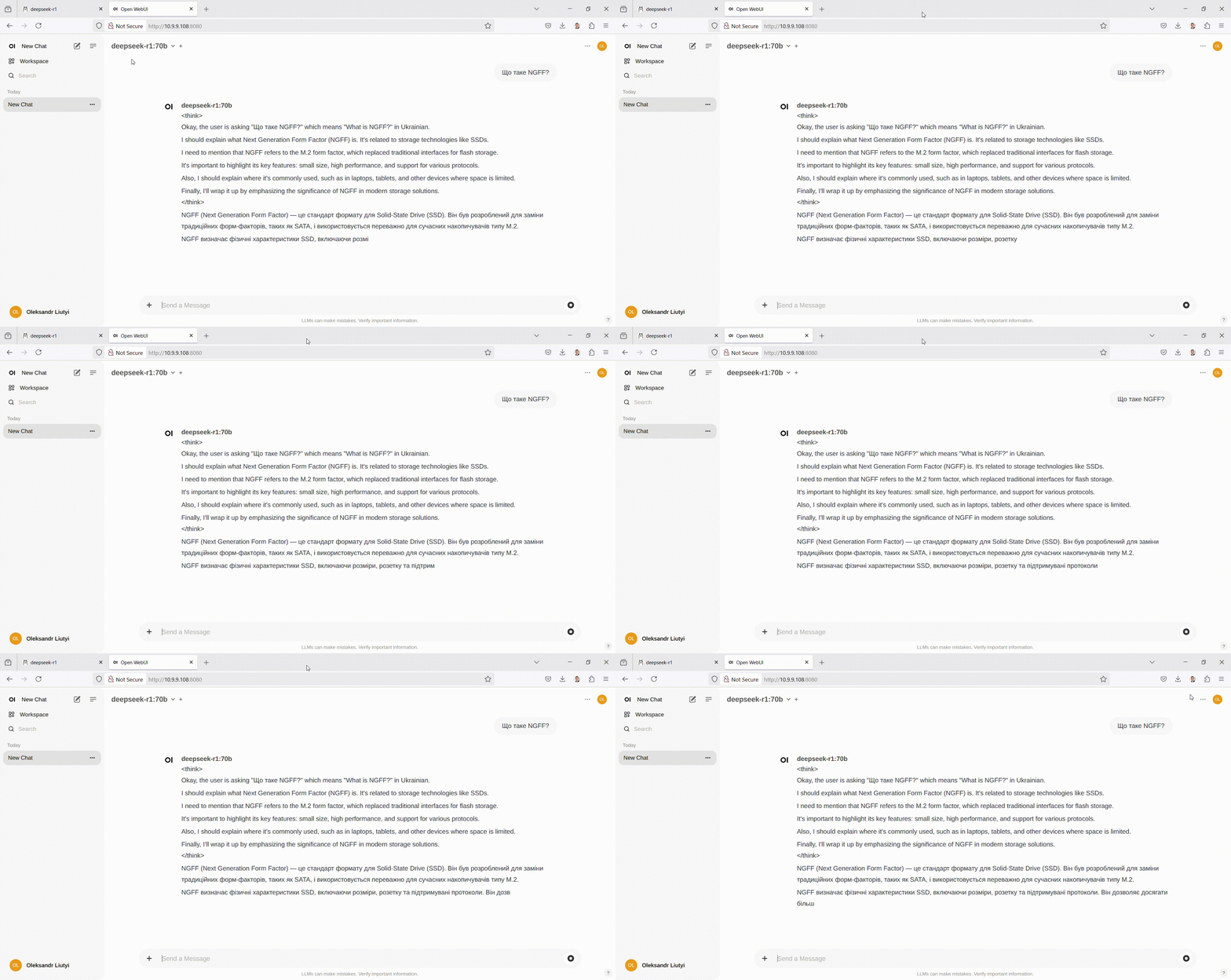
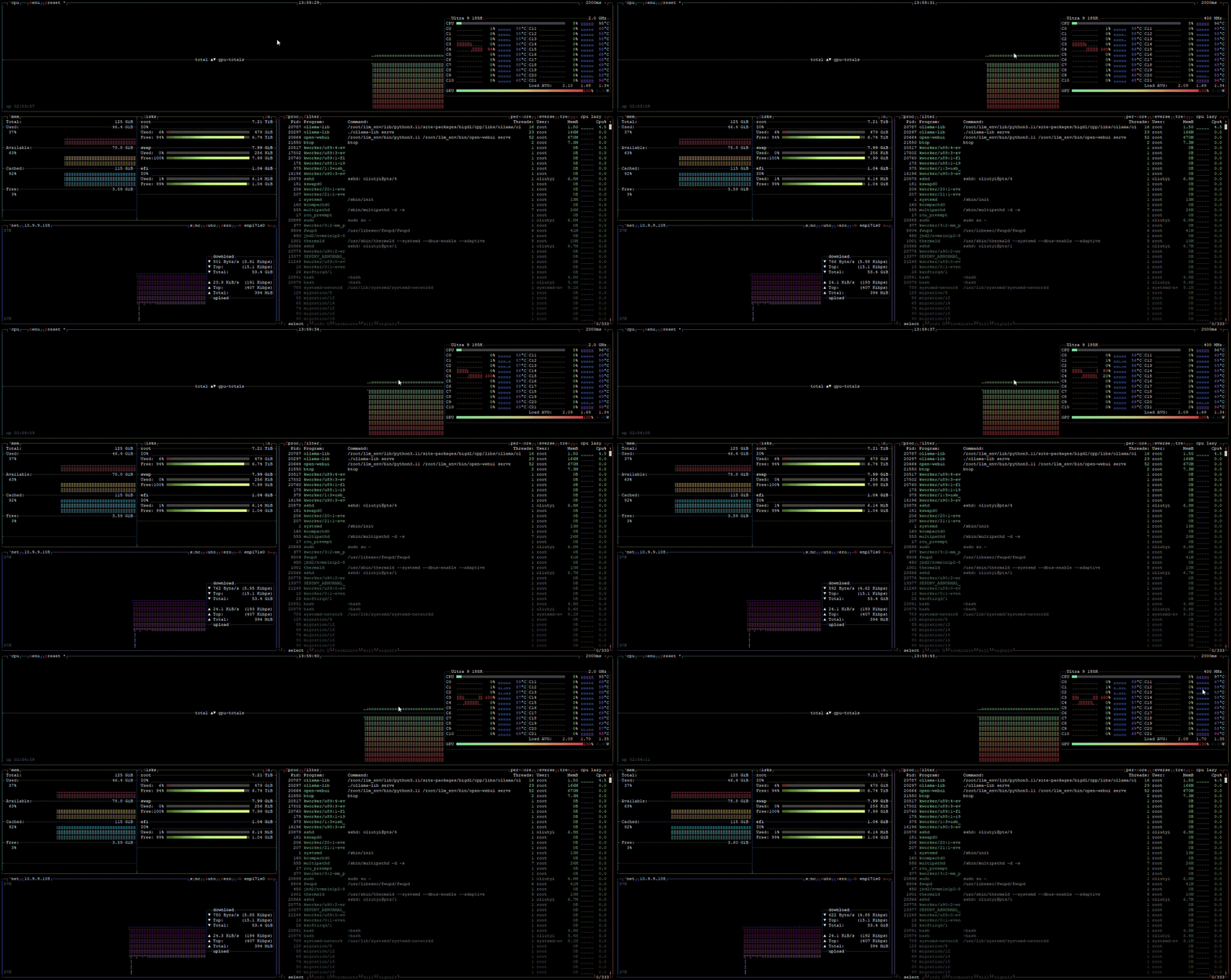
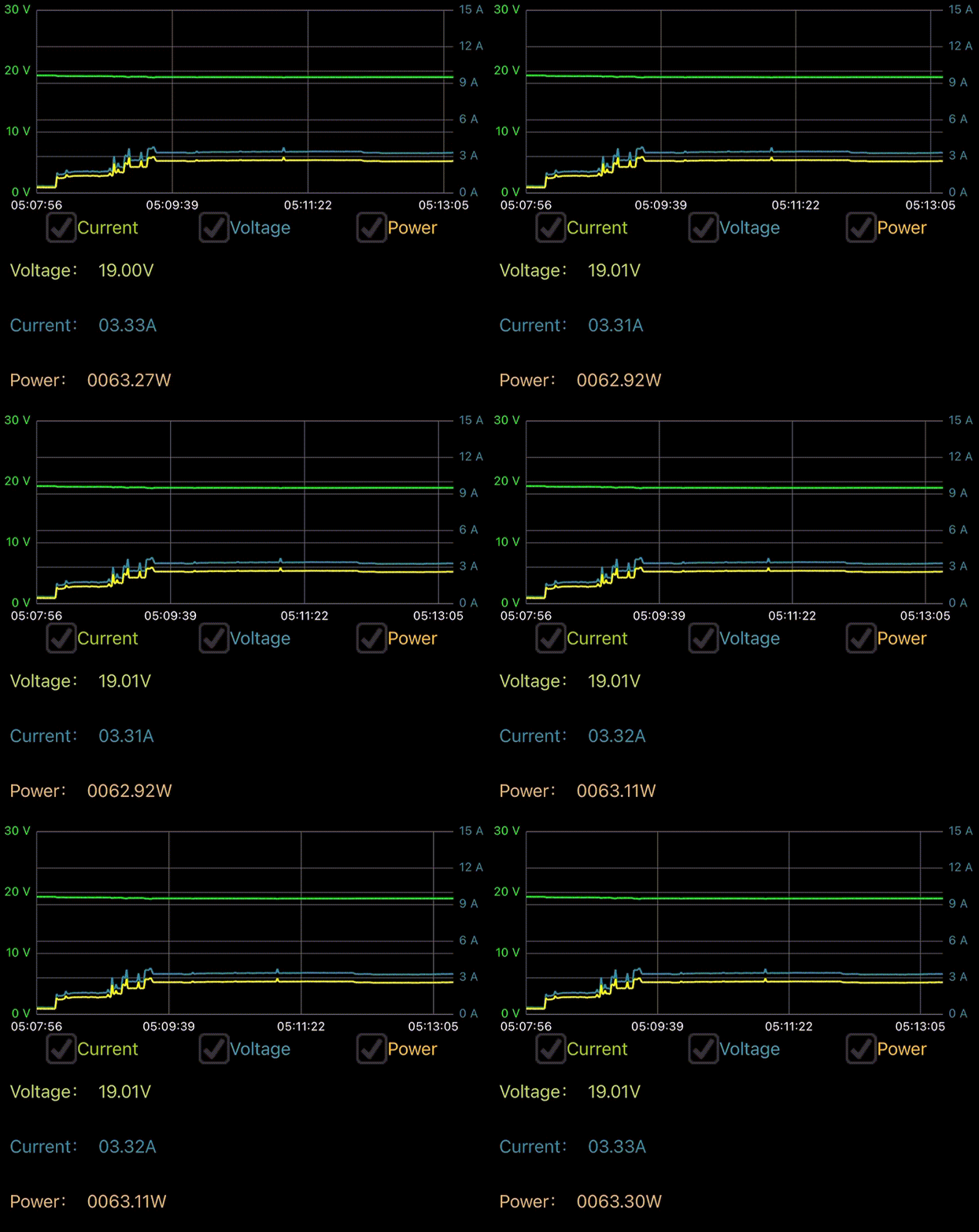
| Model | sec to load the model | layers to GPU | |
|---|---|---|---|
DeepSeek R1 Distill Llama 70B | 54.25 | 81/81 | |
llama3.3:70b | 53.34 | 81/81 | |
Qwen3 32B | 28.04 | 65/65 | |
phi3:14b | 19.09 | 41/41 | |
openchat7b | 6.53 | 33/33 | |
llama4:scout | |||
Llama 3.1 70B Instruct 2024 12 | |||
gemma3:27b | |||
mistral-small3.1:24b |
ollama CPU
install
curl -fsSL https://ollama.com/install.sh | sh
>>> Installing ollama to /usr/local
>>> Downloading Linux amd64 bundle
######################################################################## 100.0%
>>> Creating ollama user...
>>> Adding ollama user to render group...
>>> Adding ollama user to video group...
>>> Adding current user to ollama group...
>>> Creating ollama systemd service...
>>> Enabling and starting ollama service...
Created symlink /etc/systemd/system/default.target.wants/ollama.service → /etc/systemd/system/ollama.service.
>>> The Ollama API is now available at 127.0.0.1:11434.
>>> Install complete. Run "ollama" from the command line.
WARNING: No NVIDIA/AMD GPU detected. Ollama will run in CPU-only mode.
pull image
ollama pull mistral-small3.1:24b
if model already downloaded in Intel GPU version
rm -Rf /usr/share/ollama/.ollama/models/
mv /root/.ollama/models/ /usr/share/ollama/.ollama/models/
ln -s /usr/share/ollama/.ollama/models/ /root/.ollama/models
ollama list
(base) root@server1:~# ollama list
NAME                    ID              SIZE      MODIFIED
phi3:14b                cf611a26b048    7.9 GB    23 minutes ago
llama3.3:70b            a6eb4748fd29    42 GB     36 minutes ago
mistral-small3.1:24b    b9aaf0c2586a    15 GB     43 minutes ago
llama4:scout            4f01ed6b6e01    67 GB     About an hour ago
openchat:7b             537a4e03b649    4.1 GB    2 hours ago
qwen3:32b               e1c9f234c6eb    20 GB     3 hours ago
gemma3:27b              a418f5838eaf    17 GB     3 hours ago
deepseek-r1:70b         0c1615a8ca32    42 GB     4 hours ago
(base) root@server1:~# ollama --version
ollama version is 0.7.0
| Model | started in (seconds) | param | SIZE | CPU Model Buffer size | tokens/s |
|---|---|---|---|---|---|
deepseek-r1:70b | 42 GB | ||||
llama3.3:70b | 42 GB | ||||
Qwen3 32B | 10.04 | 32B | 20 GB | 19259.71 MiB | |
phi3:14b | 3.52 | 14B | 7.9 GB | 7530.58 MiB | 15.12 tokens/s |
openchat7b | 4.1 GB | ||||
llama4:scout | |||||
gemma3:27b | 17 GB | ||||
mistral-small3.1:24b | 15 GB |
llama.cpp
https://github.com/ggml-org/llama.cpp
build with CPU backend
apt install -y libcurl-ocaml-dev
git clone https://github.com/ggml-org/llama.cpp
cd llama.cpp
cmake -B build
cmake --build build --config Release
cd build
make install
ldconfig
Intel oneMKL
tbd
use
llama-cli -m model.gguf
llama-server -m model.gguf --port 8080
llama-bench -m model.gguf
llama-run
